
The short answer
For a small firm's shared daily matter work, Whisperit is our first evaluation choice. For a review-heavy team, start with Legora. For a growing knowledge and document program, include Harvey. For research-led work, evaluate the appropriate CoCounsel package or Swiss-Noxtua, depending on the required library.
The winner should be the product your whole team can use and maintain. Do not choose on the basis of one partner's best demonstration result.
Legora also advertises reusable Skills and editable deliverables in project workspaces. Matter context is not exclusive to Whisperit; compare the complete handoff. [1]
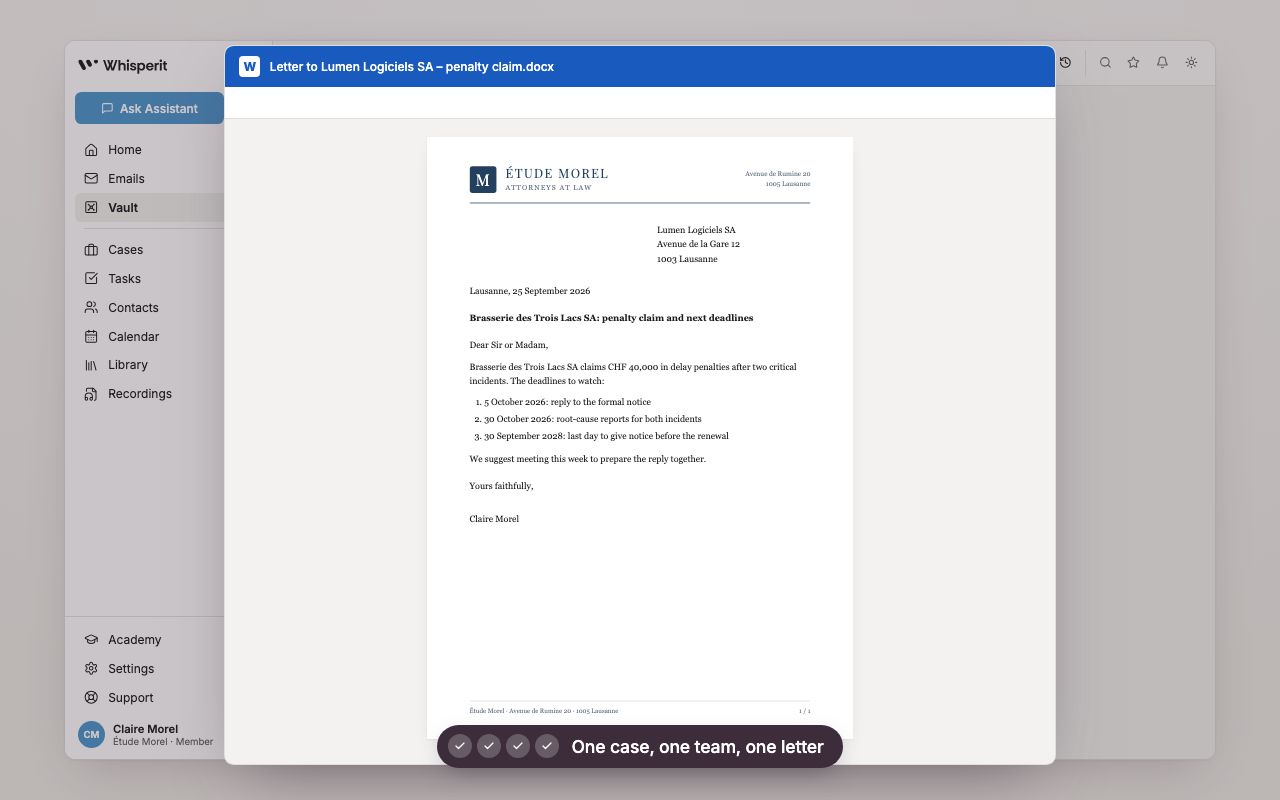
Illustrative product demonstration
Give the team a deliverable it can continue
A recreated demonstration with a fictional matter. Use your pilot to check permissions, shared context and whether a colleague can continue the exported work.
Source: Whisperit · Firm-workspace walkthrough
Open full-size imageThe picks at a glance
| Product | First evaluate for | The team test | Main boundary |
|---|---|---|---|
| Whisperit | Daily matter handoffs | Lawyer to assistant to reviewer | Verify the complete working process |
| Legora | Collaborative document review | Finding to checked decision | Confirm the plan and required sources |
| Harvey | Institutional knowledge reuse | Standard that survives the champion | Account for administration and rollout |
| CoCounsel | Thomson Reuters-centered research | Source to checked memo | Package and regional rights vary |
| Swiss-Noxtua | Swiss commentary-based work | Proposition to exact commentary | Evaluate other daily workflows separately |
A workspace is judged by the second person
A partner can often persuade a new tool to produce a useful answer. The harder test arrives when an assistant or associate has to continue the work without the partner beside them.
Can they find the right documents? Can they tell which instruction is current? Can they open the source behind a finding? Can they see what still needs approval? These questions are more useful than counting available AI features.
For a small firm, the implementation must also be maintainable. There may be no dedicated legal engineering team to rebuild templates every week. Choose a standard your staff can understand, assign an owner and make review part of the normal process.
1. Whisperit: our first evaluation for daily handoffs
Whisperit's published workspace includes templates and collaborative matter work. [2] We would evaluate it where the firm regularly moves from instructions and case material to letters, summaries and internal briefings.
Include an assistant in the pilot from the first day. Have a lawyer leave an instruction, let the assistant prepare the work and ask a different lawyer to review it. Measure whether the record carries enough context without a separate conversation.
Choose another product first if the central requirement is a specialized review workbench or a particular research collection. Breadth should not obscure a critical missing requirement.
2. Legora: evaluate for a review-oriented team
Legora's current lineup makes collaborative review a credible evaluation focus. [3] It is especially relevant when several people need to work through the same agreement set and maintain a shared view of the findings.
Test what happens when a reviewer disagrees. The original evidence, corrected result and final decision should remain understandable. Ask a partner to inspect a sample without relying on the person who ran the AI task.
Choose a simpler starting point if the firm's actual workload rarely needs structured review. A review-oriented workflow may add process that a correspondence-heavy practice does not need.
3. Harvey: evaluate for knowledge you want to reuse
Harvey is a credible candidate when a small or growing firm wants organizational document and knowledge workflows. [4] Do not exclude it solely because the firm is small; get the actual scope and offer.
Choose one recurring workstream with an approved precedent. Ask who maintains the standard, how it is changed and how the next lawyer discovers it. The system should make approved expertise easier to reuse.
Keep the evaluation narrow if the firm has not yet defined its standards. Buying the platform is not the same as deciding which precedent is authoritative.
4. CoCounsel: evaluate when the research ecosystem is central
CoCounsel is relevant where the team's work depends on the applicable Thomson Reuters research collection. [5] Have the lawyer who normally verifies research inspect the proposed plan's output.
Ask an assistant or associate to prepare a memo, then a partner to identify the supporting authorities and any adverse material. That tests the handoff as well as the retrieval.
Do not infer workspace equivalence. Map the remaining needs, including document production and shared matter work. Check the exact package and rights rather than relying on a generic product name.
5. Swiss-Noxtua: evaluate where commentary drives advice
Swiss-Noxtua's published legalis access makes it a substantive shortlist for Swiss research. [6] It may solve a source requirement more directly than a broader daily workspace.
Choose a completed question and have two lawyers inspect the source trail independently. Ask whether the answer captures disagreement, edition and limits.
Evaluate production separately. A research win does not tell you whether the team can prepare and finish its ordinary documents efficiently.
Swiss small firms should also trial the local alternatives
Silex and Omnilex deserve inclusion when Swiss research and reusable team knowledge are part of the job. Silex publishes permission-aware Silos; Omnilex describes Cases, agents and team know-how. Ask a colleague to continue a matter after the original operator leaves, and test access to restricted files. [7] [8] [9]
If most staff work happens inside Word, include CASUS or the applicable Jurata plan in place of a less relevant broad platform. Native editing may remove more friction than a wider external workspace. Check the exact plan rather than assume all seats include the same features. [10] [11] [12]
Use Silex vs Omnilex for the local two-product decision. The general workspace guide covers category choice; this guide's deciding question is whether the assistant, associate and partner can maintain the same repeatable handoff.
Do not mistake legal AI for the entire back office
Time recording, billing, trust accounting and procedural docketing have their own requirements. This guide does not establish any product as a replacement for those systems. Documented matter organization and drafting do not prove full practice-management coverage.
Inventory the tools that will remain. Decide where the definitive client record, calendar and document version will live. A new workspace should make those boundaries clearer, not create competing versions of the truth.
Check permissions and assurance for the proposed deployment. Where certification is mandatory, request the current evidence. Whisperit's public page still describes a vendor audit in progress. [13] Treat that as a present purchasing limitation when it conflicts with firm policy.
Run a pilot without building a second job
Choose a partner, an associate and an assistant. Give them one completed matter with approved material and three outputs: a chronology, a client letter and an internal briefing.
Agree how each output is checked and who approves it. Track repeated explanation, missing facts and reformatting. Introduce a corrected instruction halfway through and see whether the final document reflects it.
Repeat with another person and a second working language. The result should not depend entirely on the first enthusiast. Ask the team to describe the process in plain language; if they cannot, the workflow may be too fragile to maintain.
Then price everyone who needs access, including assistants and occasional reviewers. Add required research and setup. Evaluate cost against tasks actually completed, not projected platform-wide savings.
Our recommendation
Choose around the handoff that currently breaks. For daily matter production, begin with Whisperit. For structured review, begin with Legora. For organizational knowledge, consider Harvey. For research, choose around the library. The product that lets the second person work confidently is the one worth keeping.
Questions buyers ask
Should every employee have access?
Only those who need it, under appropriate permissions. Include the actual licence mix in the proposal and pilot.
Is a workspace enough to replace our practice-management system?
This guide does not establish that. Evaluate financial, calendar and administrative requirements separately.
What if adoption is weak?
Observe the recurring task and the failure point. Fix standards, training or configuration before assuming the product is wrong.
Romain de Wolff