
Legal Dictation Software: 3–4× Faster Than Typing.
Whisperit converts a lawyer's spoken words into structured, formatted legal text, accurate in French, German, Italian, Dutch, and English. Every dictation is linked to the case file it belongs to. Data stays in Switzerland.
Why lawyers use dictation software
Speed advantage
The average lawyer types at 40–60 words per minute and speaks at 130–150. Dictation produces a first draft 3–4× faster, and the time difference compounds across every document.
Thinking out loud
Speaking forces lawyers to articulate arguments sequentially. Many practitioners find dictation produces better-structured first drafts with fewer revision cycles than typing.
Hands-free documentation
Dictate during a commute, between meetings, or immediately after a client call while the details are fresh, without needing to be at a desk.
What makes legal dictation different
Generic speech-to-text tools fail on legal vocabulary. Whisperit is trained on legal text across four languages.
Whisperit vs other tools
| Whisperit | Dragon Legal | Generic STT | |
|---|---|---|---|
| Legal vocabulary FR/DE/NL/EN | ✅ | ⚠️ EN/DE only | ❌ |
| Data hosted in Switzerland | ✅ | ❌ | ❌ |
| Linked to case file | ✅ | ❌ | ❌ |
| AI drafting from dictation | ✅ | ❌ | ❌ |
| No vendor access to content | ✅ | ⚠️ | ❌ |
Setting up dictation in Whisperit
Open your matter
Select or create the case file the dictation belongs to.
Select Dictate
Choose the dictation mode from the matter workspace.
Speak naturally
Dictate in your preferred language. Use punctuation commands or let Whisperit infer structure.
Review the transcript
Whisperit transcribes in real time. Review and correct if needed.
Convert to document
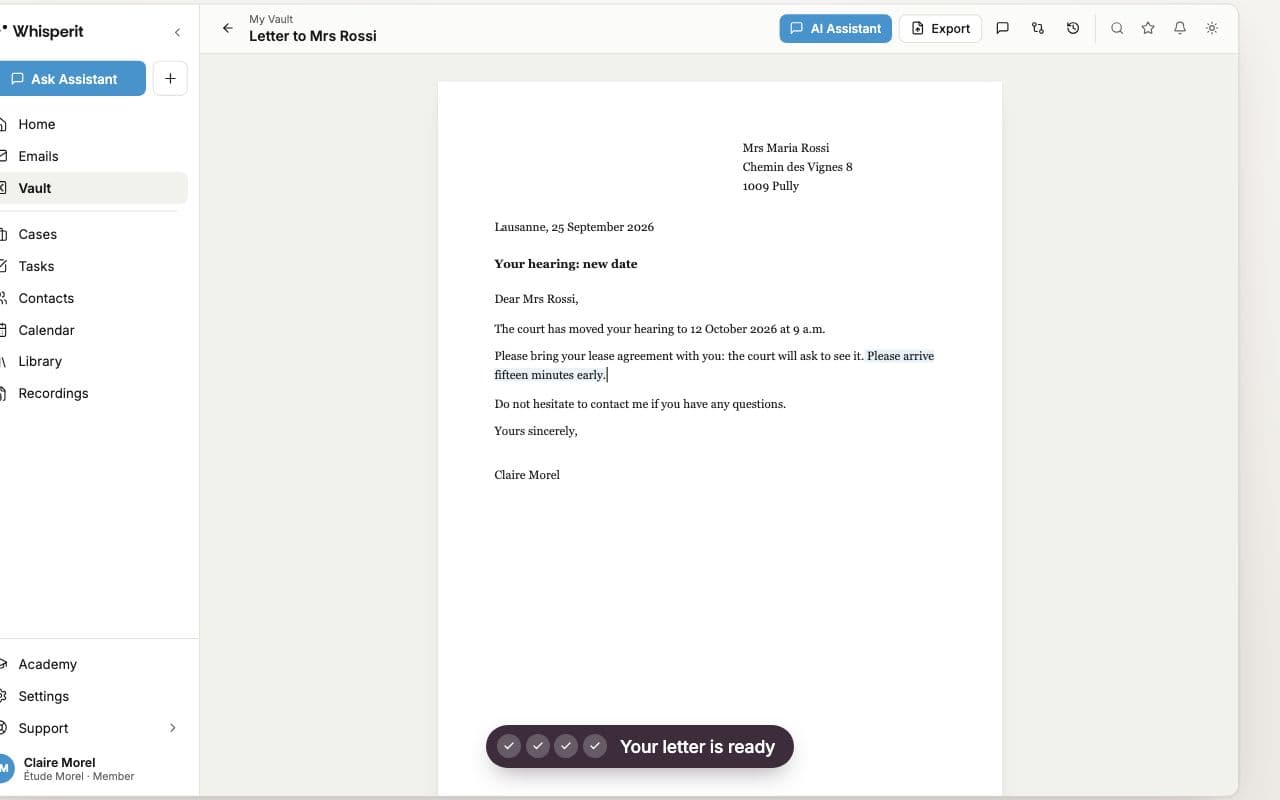
Ask Whisperit to structure the dictation as a brief, memo, or letter.
Export
Export to Word or PDF, or continue editing within Whisperit.
Frequently asked questions
What is the best dictation software for lawyers?
For European and Swiss firms, Whisperit offers the strongest combination: multilingual legal vocabulary across FR/DE/NL/EN, Swiss data hosting, and integration with case management and AI drafting. Dragon Legal remains common in larger UK and US firms.
Is Dragon still the best option for legal dictation?
Dragon Legal is well-established but lacks Swiss and EU data hosting, multilingual legal support, and AI-native drafting. Cloud-native alternatives like Whisperit offer comparable accuracy with a more integrated workflow for European practices.
Can dictation software handle legal terminology accurately?
Generic tools cannot: they mis-transcribe Latin terms, statute names, citation formats, and bilingual legal phrases. Whisperit is trained on legal vocabulary in French, German, Dutch, and English, including jurisdiction-specific terminology.
Where is my dictated content stored?
In Switzerland, encrypted in transit and at rest. Whisperit does not access or use your dictated content for any purpose outside processing it for you.
Does Whisperit work offline?
Whisperit is cloud-based and requires an internet connection. Offline dictation with automatic sync on reconnection is on the product roadmap.
Start dictating legal documents today.
7 days for free, no credit card. Swiss-hosted from day one.