
The Top 12 Sources for Legal Document Templates Free in 2026
Finding reliable, professionally drafted legal document templates free of charge can be a daunting task. The internet is flooded with options, but distinguishing a court-approved form from a generic, potentially risky template is critical. A solid starting point saves hours of work and helps prevent costly mistakes, whether you are forming a business, drafting a lease, or preparing for litigation.
This guide cuts through the noise. We've compiled a comprehensive list of the 12 best sources for free and freemium legal documents available today. Our selection ranges from comprehensive business platforms like Rocket Lawyer and LawDepot to official state and federal court repositories that provide jurisdictional-specific forms. For each resource, we provide a direct link, a brief analysis of its strengths and weaknesses, and practical use cases to help you decide if it fits your needs.
You will learn not just where to find these templates, but also how to use them effectively. We’ll cover the essential steps beyond the download: customizing, validating, and managing documents to ensure they are not just free, but legally sound and effective. When dealing with multilingual or international parties, for example, it's crucial to understand how to accurately translate legal documents while maintaining their integrity.
For legal professionals, these resources serve as a valuable foundation. The goal is to integrate them into a secure, efficient workflow, transforming a basic template into a client-specific, firm-branded document quickly and reliably. Let's dive into the best places to start your search.
1. Rocket Lawyer
Rocket Lawyer offers a comprehensive platform that excels in providing legal document templates free during its trial period. It stands out by combining a massive, attorney-reviewed document library with an interactive, guided process. Users answer a series of questions, and the platform assembles a state-specific document tailored to their inputs, which is a significant step up from static, one-size-fits-all templates.
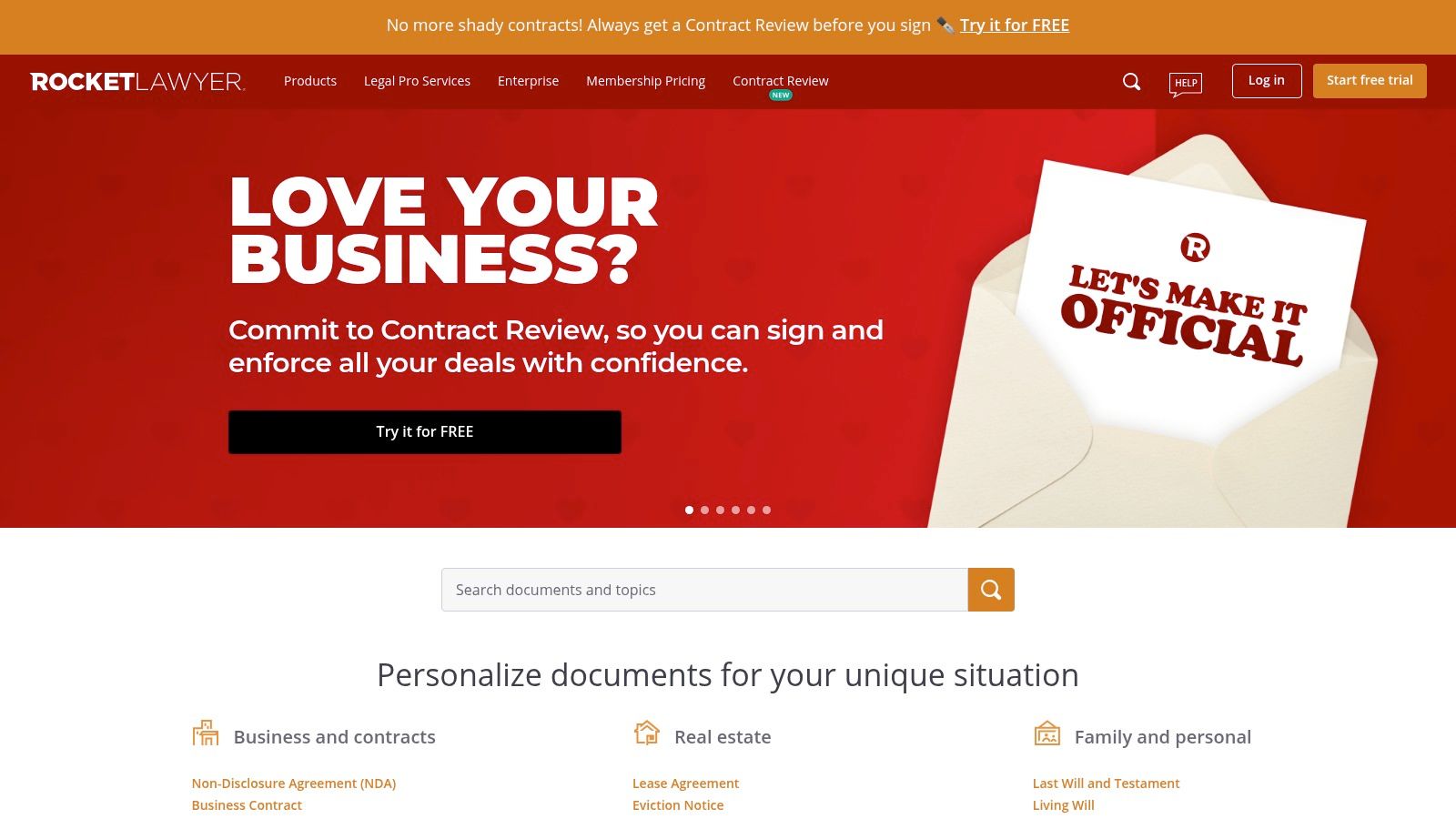
The user experience is polished and intuitive, making complex legal forms accessible for consumers and small business owners. Its major advantage is the integrated ecosystem. You can create a document, have it reviewed by an on-call attorney, and send it for e-signature all within the same platform. This model bridges the gap between DIY documents and expensive legal consultations, offering a clear path to professional help if a situation becomes too complex. Such integrated systems are a core feature of modern legal document generation software.
Key Features and Considerations
- Free Trial Access: Most documents are available for free during a 7-day trial, but this requires a credit card and will auto-renew if not canceled.
- Guided Interface: The question-and-answer format helps ensure the final document includes necessary clauses and is specific to your jurisdiction.
- Integrated Legal Help: The platform provides direct access to attorney consultations and document reviews, though these services come at an additional cost or are part of the premium membership.
- Broad Coverage: Templates span a wide range of needs, from business formation and contracts to real estate and personal estate planning.
Website: https://www.rocketlawyer.com
2. LawDepot
LawDepot is a well-established DIY platform that offers a massive catalog of legal document templates free through a trial subscription. It operates on a similar model to Rocket Lawyer, using a guided questionnaire to assemble documents. Users answer a series of straightforward questions, and the system customizes a state-specific agreement, such as a lease, will, or power of attorney, based on their responses.
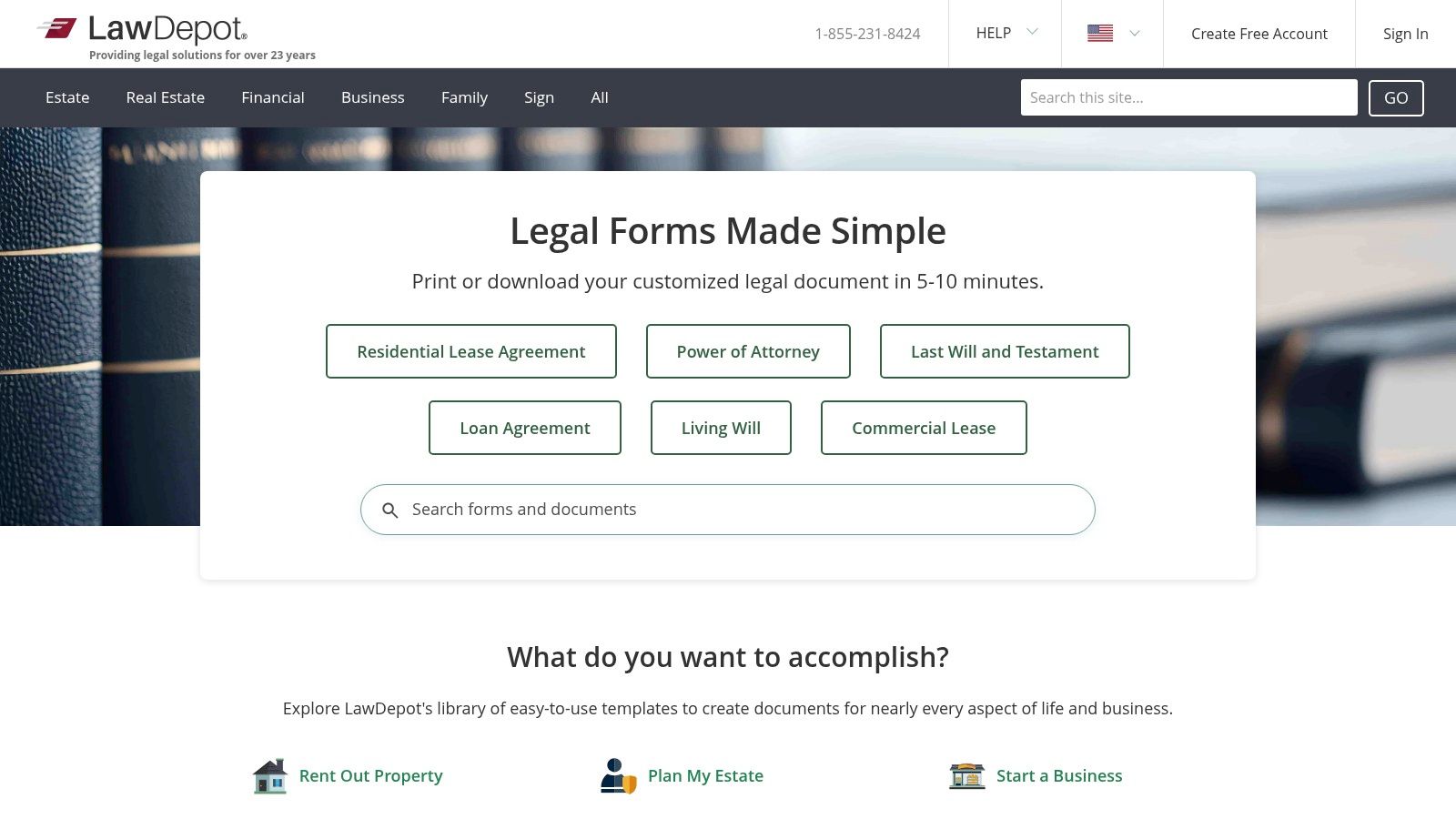
The platform is particularly strong for its extensive coverage of both personal and small business needs. The interface is clean and user-friendly, making it simple to navigate complex legal territory without prior experience. A key benefit is the flexibility it offers in document management; you can save your progress and return later, and final documents can be easily exported to Word or PDF for offline editing or filing. This combination of a vast library and user-centric design makes it a reliable resource for generating common legal forms.
Key Features and Considerations
- Free Trial Access: A 7-day free trial provides access to the entire library, but it requires a credit card and you must cancel to avoid being charged for a subscription.
- State-Tailored Questionnaires: The interactive Q&A format ensures documents are tailored to the specific legal requirements of your state.
- Flexible Export Options: Users can download their completed documents in multiple formats, including PDF and Word, for easy printing and editing.
- Extensive Coverage: The library includes a wide range of templates for real estate, business, estate planning, and family law matters.
Website: https://www.lawdepot.com
3. eForms
eForms excels as a massive repository for legal document templates free during its initial trial period, with a primary focus on state-specific compliance. Its strength lies in the sheer volume and organization of its library, which is meticulously categorized by state. This makes it an incredibly practical tool for users needing common, jurisdiction-specific documents like lease agreements, bills of sale, or powers of attorney without the interactive guidance offered by other platforms.
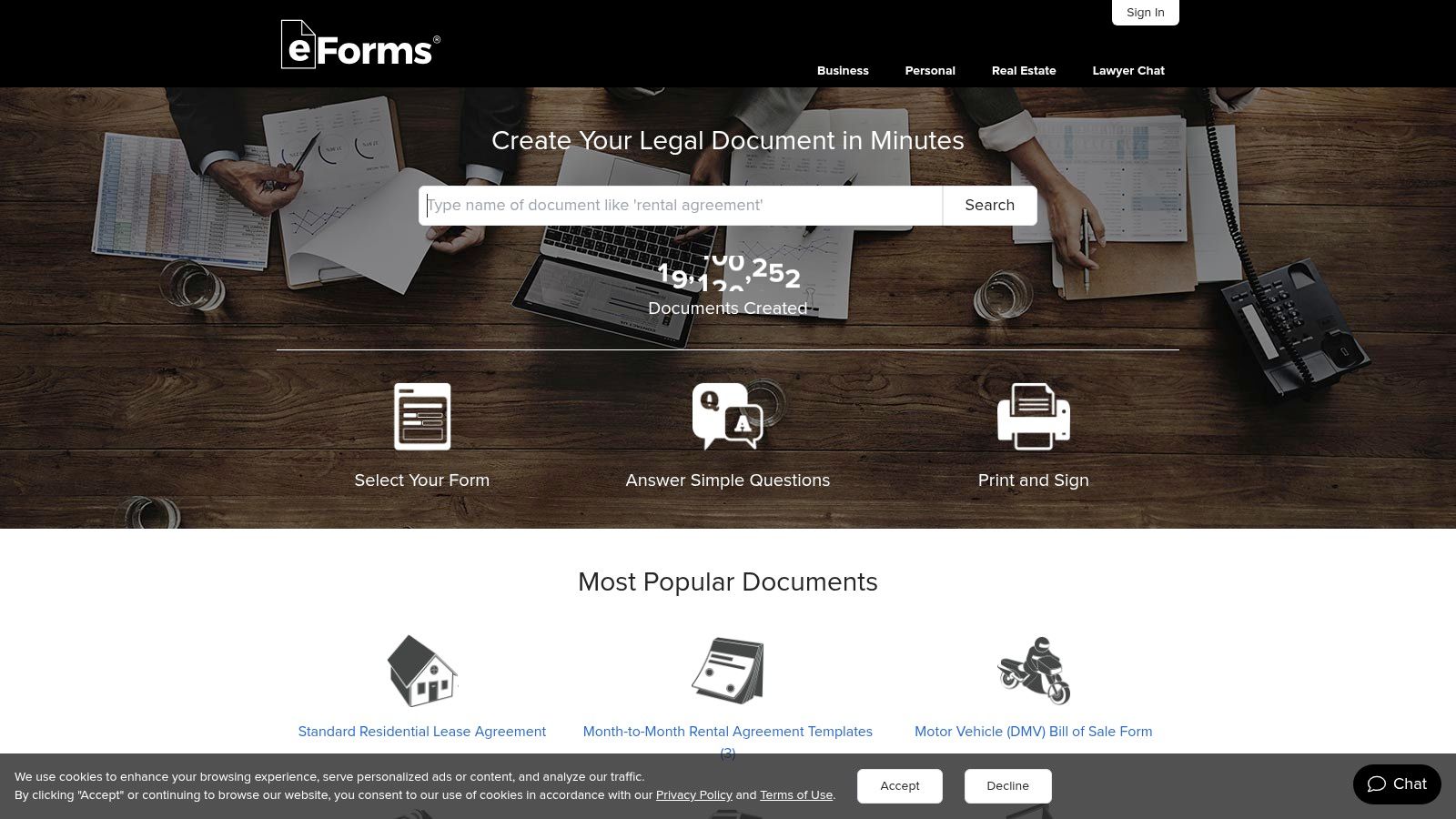
The user experience is direct and form-focused, prioritizing quick access and download over an educational or consultative process. Users can easily navigate to their state and document type, review the template, and download it in multiple formats, including Word and PDF. This straightforward approach is ideal for professionals who already understand the legal context of the document they need and simply require a reliable, state-compliant template to work from. The platform is less about building a document from scratch and more about providing a solid, pre-vetted foundation.
Key Features and Considerations
- Free Trial Access: A 7-day trial offers access to the document library, but it requires payment details and converts to a paid subscription if not canceled.
- State-Specific Focus: The platform's biggest advantage is its clear navigation and commitment to providing forms tailored to the laws of each specific U.S. state.
- Multiple Download Formats: Documents are available in Word, PDF, and ODT, offering flexibility for users to edit the templates offline in their preferred software.
- Broad Practical Library: eForms covers a wide array of common legal needs, particularly in real estate, business, and personal affairs like estate planning.
Website: https://eforms.com
4. US Legal Forms
US Legal Forms boasts one of the largest online libraries, with over 85,000 state-specific legal and business forms. While it’s not primarily a source for legal document templates free of charge, its sheer scale and meticulous organization make it an indispensable resource for locating specific or hard-to-find documents. Users can often purchase individual forms for a one-time fee, providing a pay-as-you-go alternative to subscription models.
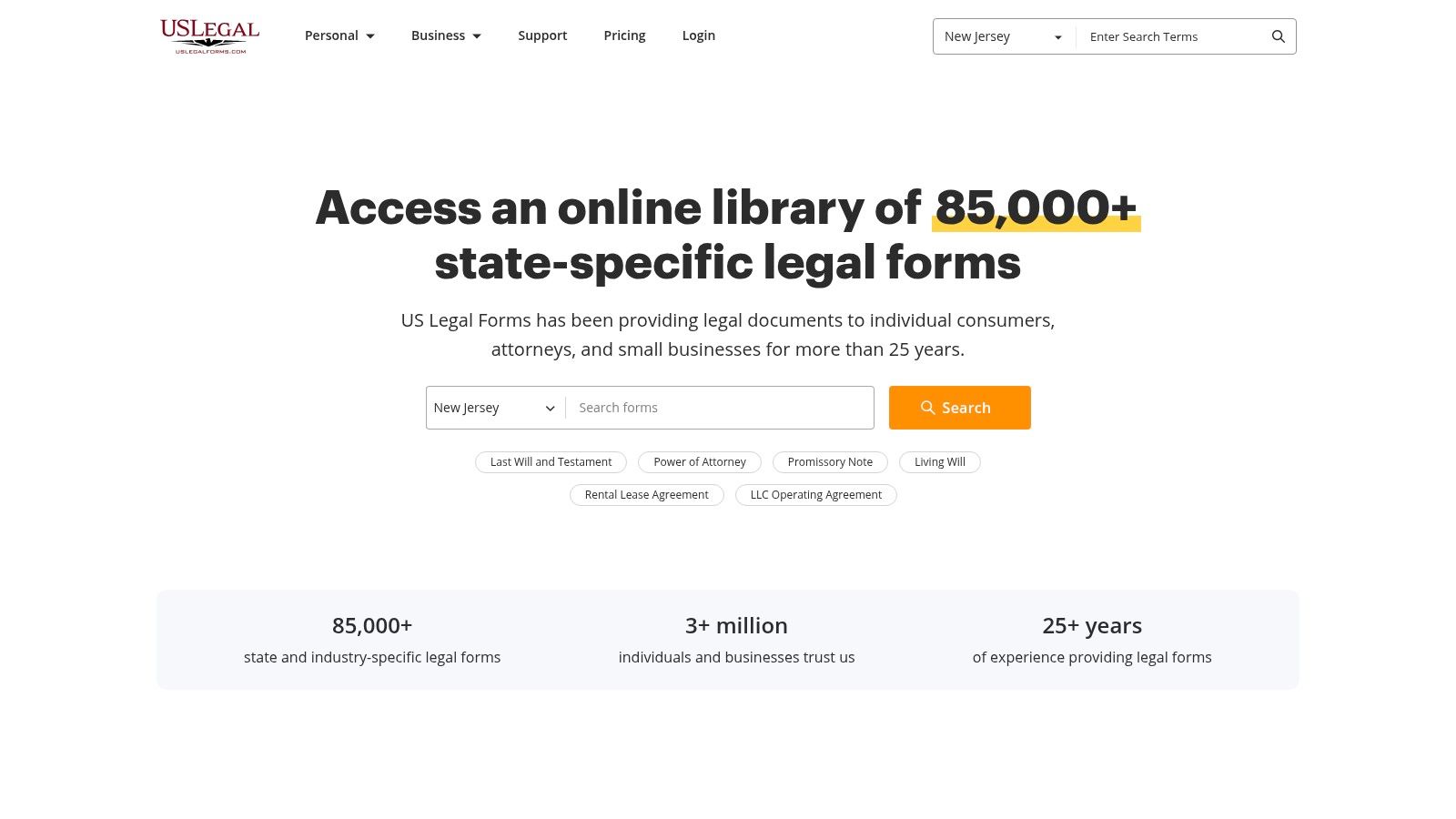
The platform is less about a guided, interactive experience and more of a straightforward digital catalog. Its strength lies in its comprehensive coverage across virtually every practice area, from real estate to family law, with an emphasis on keeping forms updated to reflect current state laws and regulations. For users who know exactly what they need, the site’s powerful search and filtering capabilities make it easy to find and download the right document quickly. Premium plans unlock additional features like document management, editing tools, and e-signatures.
Key Features and Considerations
- Massive Library: The catalog's breadth is its main advantage, offering an unparalleled selection of forms for niche situations and all 50 states.
- Pay-Per-Document Option: Unlike many competitors that push subscriptions, US Legal Forms allows users to buy single templates, which is ideal for one-off needs.
- Compliance Focus: The platform prioritizes keeping its vast library current with legislative changes, ensuring documents meet jurisdictional requirements.
- Premium Tiers: Advanced features such as document editing, cloud storage, and integrated e-signatures are reserved for Basic and Premium subscription plans.
Website: https://www.uslegalforms.com
5. LegalZoom (Forms & eSign)
LegalZoom is a dominant name in online legal services, and its "Forms & eSign" plans offer a structured approach to business documentation, though it moves away from the model of offering truly legal document templates free of charge. The platform is best suited for solo professionals and small organizations that prioritize brand recognition and need a reliable, integrated system for document creation and execution. Its strength lies in packaging over 250 business-focused templates with a robust e-signature tool.
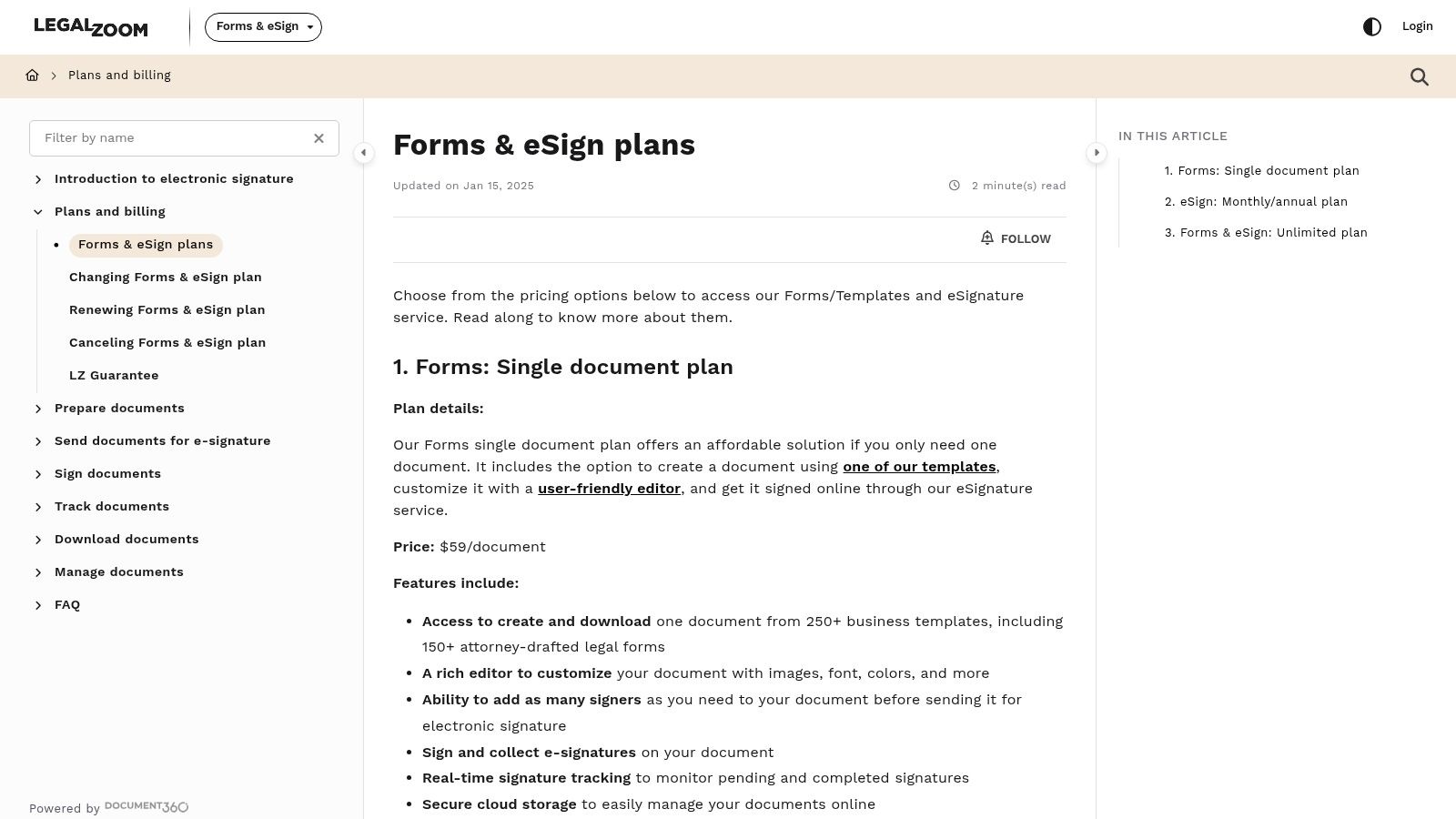
The user experience is straightforward, guiding users through template selection and customization with branding controls. The integrated e-signature functionality is a major draw, featuring real-time signature tracking and secure cloud storage, which simplifies contract management. This focus on a secure lifecycle for documents highlights the importance of effective legal document management. While access requires a subscription, the annual "Unlimited" plan is competitively priced, making it a valuable tool for businesses with recurring document needs.
Key Features and Considerations
- Paid Subscription Model: Unlike platforms with free trials, access to LegalZoom's template library requires a paid "Forms & eSign" plan.
- Business-Centric Library: The collection of 250+ templates (over 150 of which are attorney-drafted) is heavily focused on business operations, contracts, and formation rather than litigation or court forms.
- Integrated eSignatures: The platform includes a comprehensive e-signature tool with real-time tracking, notifications, and cloud storage for executed documents.
- Brand Recognition: Users benefit from the trust and established reputation of the LegalZoom brand, which can be a significant factor for client-facing documents.
Website: https://help.legalzoom.com/docs/pricing-plans
6. FormSwift
FormSwift offers a unique hybrid approach, combining a library of legal document templates free to edit with a powerful PDF editor. It is particularly useful for users who need not only standard legal forms like leases and bills of sale but also common business and tax documents. The platform’s strength lies in its simplicity and speed, allowing users to select a template, fill it out in a straightforward editor, and quickly export it to PDF or Word.
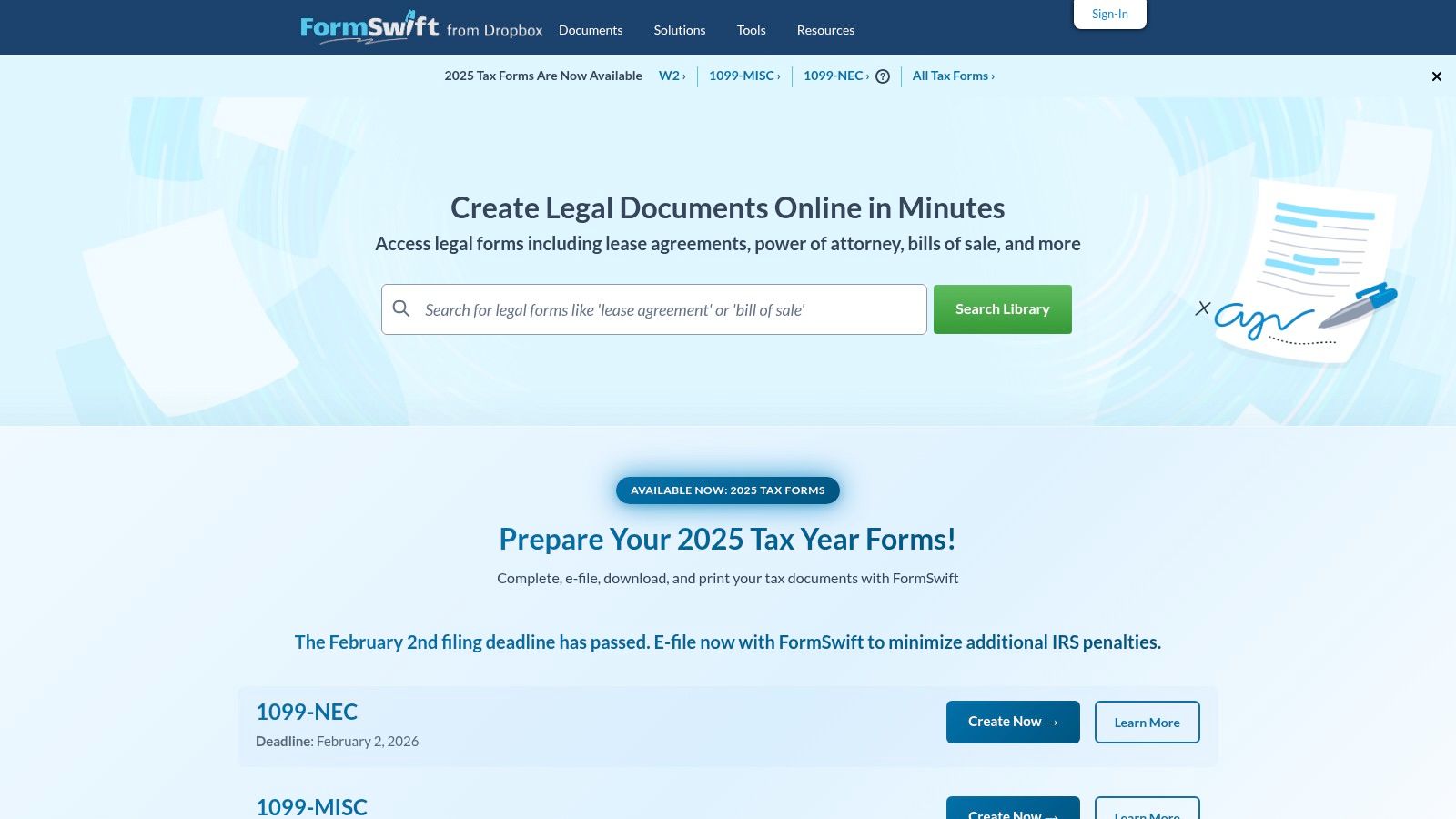
The user experience is designed for efficiency, focusing on getting a usable document into your hands with minimal friction. FormSwift stands out by integrating an extensive collection of official tax forms (like the W-9 and 1099 series) alongside its legal offerings. This makes it a one-stop shop for small businesses and freelancers managing both contractual and administrative paperwork. While the platform excels at document creation, understanding the principles of how to write legal documents can help ensure your final output is precise and effective.
Key Features and Considerations
- Trial Access: Users can typically create and edit a document for free, but downloading or printing often requires signing up for a trial or subscription.
- Integrated PDF Editor: A major advantage is the ability to upload and edit existing PDFs, add text, and apply e-signatures directly on the platform.
- Tax Form Library: Its inclusion of common IRS forms is a significant benefit for business users who need both legal and financial documents.
- General Templates: The forms are general and may lack state-specific clauses; for complex situations, an attorney review is recommended to ensure compliance and protection.
Website: https://formswift.com
7. PandaDoc (Free Legal Templates Library)
PandaDoc is widely known as a document automation and e-signature platform, but it also provides a valuable library of legal document templates free for download. The platform excels at bridging the gap between a simple template and a full-fledged contract workflow. Users can start with a free template like an NDA, Bill of Sale, or an Operating Agreement and then seamlessly transition into PandaDoc's ecosystem to edit, send, track, and get it signed electronically if they choose to upgrade.
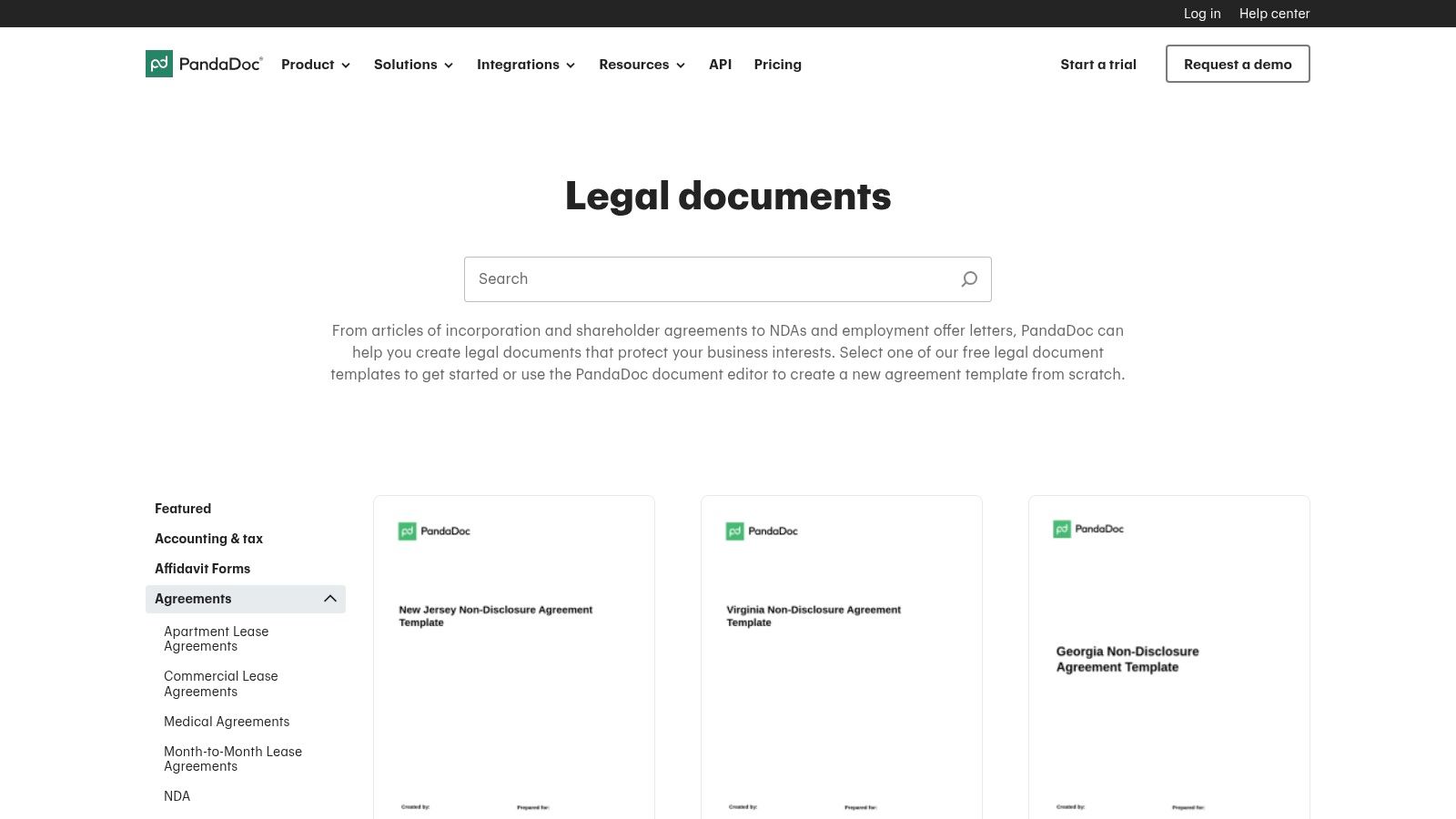
This model makes it ideal for small businesses and freelancers who anticipate needing more robust document management features as they grow. The user experience is clean and modern, with templates organized clearly by business function. While the library is more concentrated on commercial and business agreements rather than litigation or personal estate matters, its quality and integration capabilities are top-notch. The use of advanced tools is a growing trend, and you can learn more about the role of AI for legal documents and how it is shaping the industry.
Key Features and Considerations
- Free Downloadable Templates: A significant number of core business templates are available completely free without a subscription, including NDAs, leases, and MOUs.
- Integrated Workflow Path: Provides a smooth upgrade path to a full suite of document management tools, including an editor, analytics, and e-signatures on paid plans.
- Business-Centric Library: The collection is heavily focused on commercial, sales, and operational agreements, making it less suitable for personal legal needs or court filings.
- State-Specific Documents: Some templates are available in versions tailored to specific state laws, though this is not universal across the entire library.
Website: https://www.pandadoc.com/free-legal-documents-templates/
8. Jotform (Legal and e-signature templates)
Jotform offers a unique, form-centric approach to creating legal document templates free of charge. Rather than providing static documents, it excels with its powerful drag-and-drop builder, allowing users to create interactive agreements, consent forms, and waivers. This is particularly useful for businesses that need to collect information and a signature simultaneously, such as for client intake, event registration, or service agreements.
The platform's strength lies in its workflow automation and integration capabilities. Once a user fills out a form and signs it, the completed PDF can be automatically sent to all parties and saved to cloud storage like Google Drive or Dropbox. Its integrated e-signature functionality is UETA and ESIGN compliant, adding a layer of legal validity. This model is ideal for high-volume, repetitive processes where efficiency and record-keeping are paramount, moving beyond simple template generation into active data management.
Key Features and Considerations
- Generous Free Tier: The free plan allows for a limited number of forms, submissions, and signed documents per month, making it perfect for small-scale needs or for testing the platform's capabilities.
- Drag-and-Drop Builder: Users can easily customize templates or build documents from scratch, adding fields for signatures, dates, and specific inputs without any coding knowledge.
- Workflow Automation: Jotform can automate approval flows, send email notifications, and integrate with hundreds of other applications to streamline business processes.
- Generalized Templates: While the library is extensive, the templates are often general. Users must ensure the language is reviewed and adjusted to meet specific state or local legal requirements.
Website: https://www.jotform.com/products/electronic-signature/
9. LawHelp.org (and LawHelp Interactive)
LawHelp.org serves as a public interest gateway to state-specific legal aid resources, making it an authoritative source for certain legal document templates free of charge. The platform connects users to non-profit legal aid organizations in their state, which often provide court-approved forms. Its key advantage is LawHelp Interactive, an integrated service available in over 35 states that uses a guided interview format, similar to premium services, to help users correctly complete complex documents.
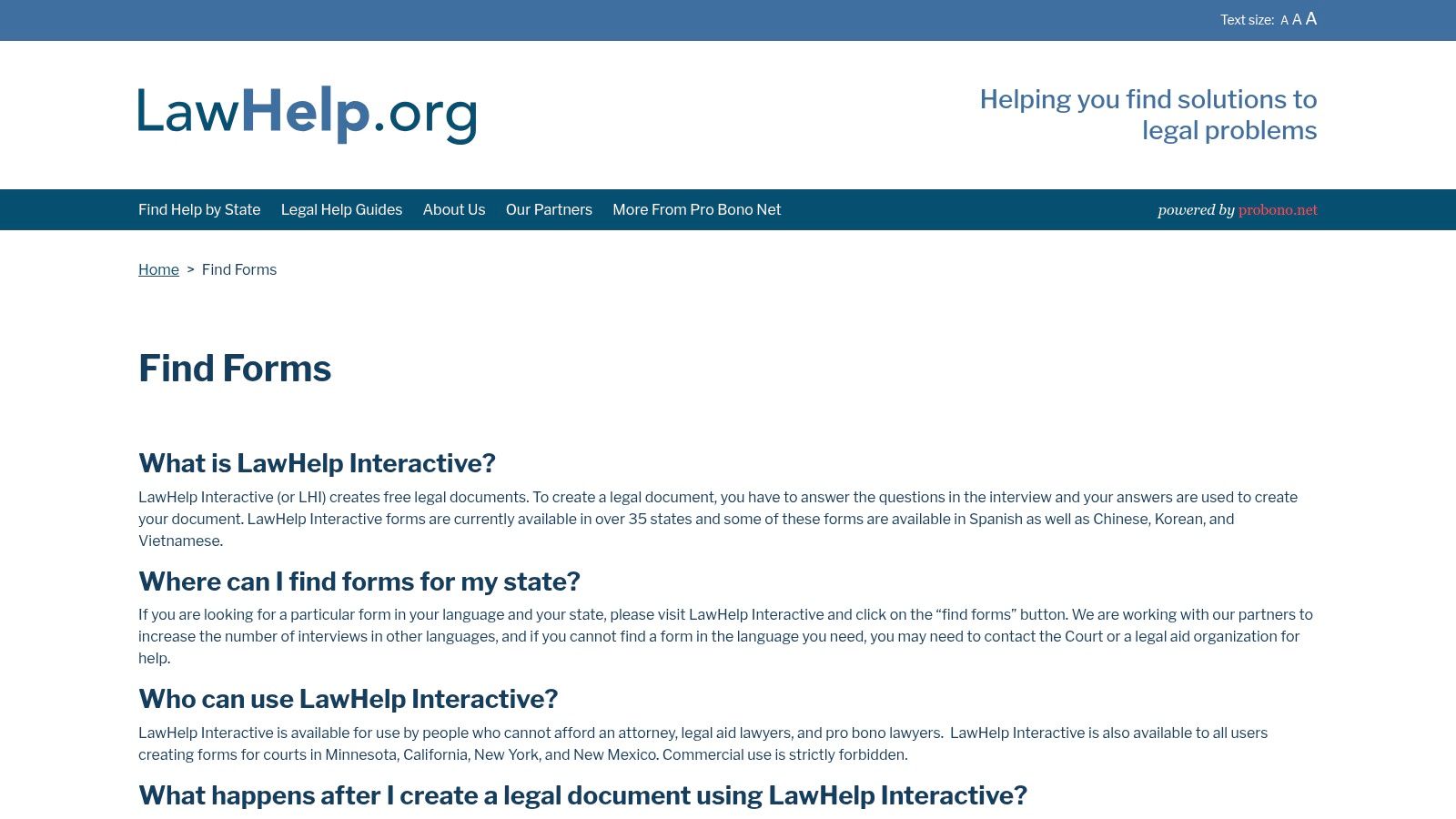
This service excels in providing documents for civil matters like family law, housing disputes, and consumer protection. Because the forms are typically sourced from state courts or legal aid groups, they are highly credible and designed for official use. The platform's focus on accessibility is also notable, with some forms and instructions available in multiple languages, including Spanish, Chinese, and Vietnamese. This makes it a crucial resource for individuals navigating the legal system without representation, offering a level of trust that generic template sites cannot match.
Key Features and Considerations
- Guided Document Assembly: LawHelp Interactive uses a question-and-answer process to help users generate accurate, jurisdiction-specific documents ready for printing or filing.
- Authoritative and Court-Ready: Templates are often the official forms used in state courts, ensuring they meet specific procedural requirements.
- Completely Free: As a public service initiative, the platform and its interactive tools are genuinely free for users, with no trials or hidden fees.
- Coverage Varies by State: The availability of forms and the LawHelp Interactive tool is not uniform across all jurisdictions; coverage depends on the participation of local legal aid organizations.
Website: https://www.lawhelp.org/find-forms
10. U.S. Courts (Federal Court Forms)
The official website of the United States Courts is an indispensable resource for anyone involved in federal litigation, offering a comprehensive repository of legal document templates free of charge. Unlike commercial platforms, this site provides official, standardized forms used in federal civil, criminal, and bankruptcy proceedings. These are not customizable business contracts but the foundational documents required to interact with the federal court system, from filing a complaint to issuing a subpoena.
This platform’s primary advantage is its authority; the forms are guaranteed to be current and compliant with the Federal Rules of Civil Procedure and other governing regulations. The user experience is straightforward and utilitarian, designed for efficiency rather than a guided, interactive process. Users can search for forms by number, title, or category, making it easy for legal professionals to find the exact document they need quickly. It is the definitive source for litigation paperwork, ensuring accuracy and acceptance by any federal court.
Key Features and Considerations
- Official and Authoritative: As the primary source, these forms are the official versions required for federal court filings, eliminating concerns about validity.
- Completely Free: All national and local court forms are available for download at no cost, without trials or subscriptions.
- Narrow Scope: The library is strictly limited to federal court litigation and procedural documents. It does not offer templates for business contracts, estate planning, or personal legal matters.
- Requires Legal Knowledge: The forms are static templates with no guided assistance or explanations, presupposing the user understands federal procedure and how to complete the documents correctly.
Website: https://www.uscourts.gov/services-forms/forms
11. California Courts Self-Help (State Court Forms example)
The California Courts Self-Help Center is a critical resource for legal document templates free of charge, specifically for matters within the state's judicial system. Unlike commercial platforms, this official portal provides the exact Judicial Council forms required for filing in California courts. It is an indispensable tool for self-represented litigants and legal professionals, offering direct access to court-approved documents for family law, small claims, civil disputes, probate, and more.
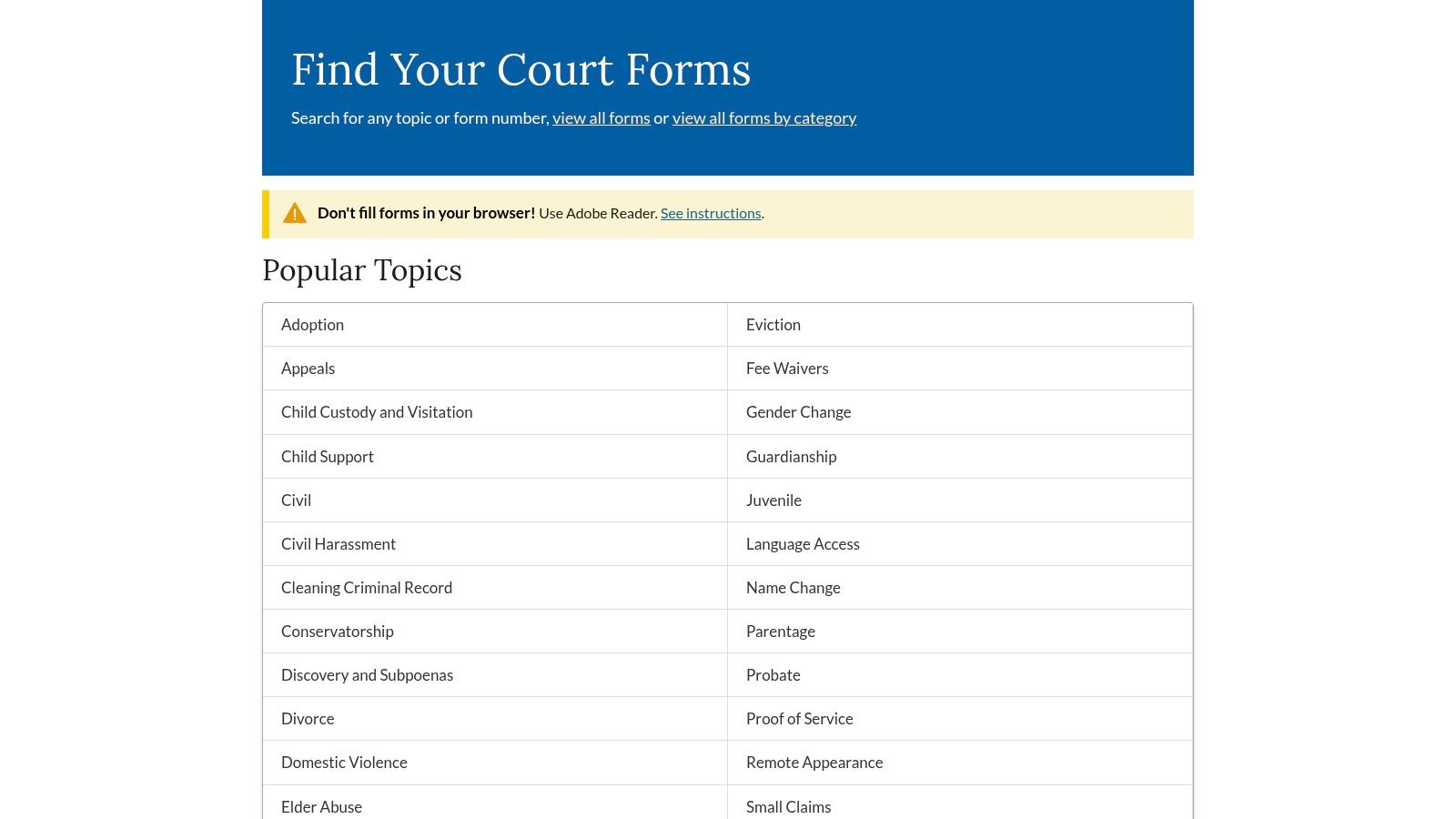
This resource stands out because its templates are not just suggestions; they are often mandatory for specific legal actions. The forms are updated regularly to reflect changes in legislation and court rules, ensuring compliance. While the website's navigation can be dense and lacks the guided, question-and-answer interface of modern software, its authority and acceptance by the courts are unparalleled for California-specific legal proceedings. Many states offer similar online portals, making them a primary source for reliable, jurisdiction-specific legal forms.
Key Features and Considerations
- Official and Mandatory Forms: Provides direct access to official Judicial Council forms, many of which are mandatory for court filings in California.
- Completely Free: All forms and instructional materials are available for free download without any subscription or trial requirements.
- Jurisdiction-Specific: The templates are tailored exclusively for use within the California court system and are not applicable elsewhere.
- Multilingual Support: Many forms and instructions are available in multiple languages, increasing accessibility for a diverse population.
- Lacks Guided Assistance: The documents are static PDFs that require users to know which form they need and how to fill it out correctly, offering minimal step-by-step help.
Website: https://selfhelp.courts.ca.gov/find-forms
12. LegalTemplates.com
LegalTemplates.com offers a straightforward and extensive library of legal document templates free to create during its trial period. It is a practical resource for individuals and small businesses seeking common legal forms without the interactive, question-based assembly found on more complex platforms. The site focuses on providing downloadable and editable documents, making it a go-to for users who prefer to work with familiar formats like Microsoft Word or PDF.
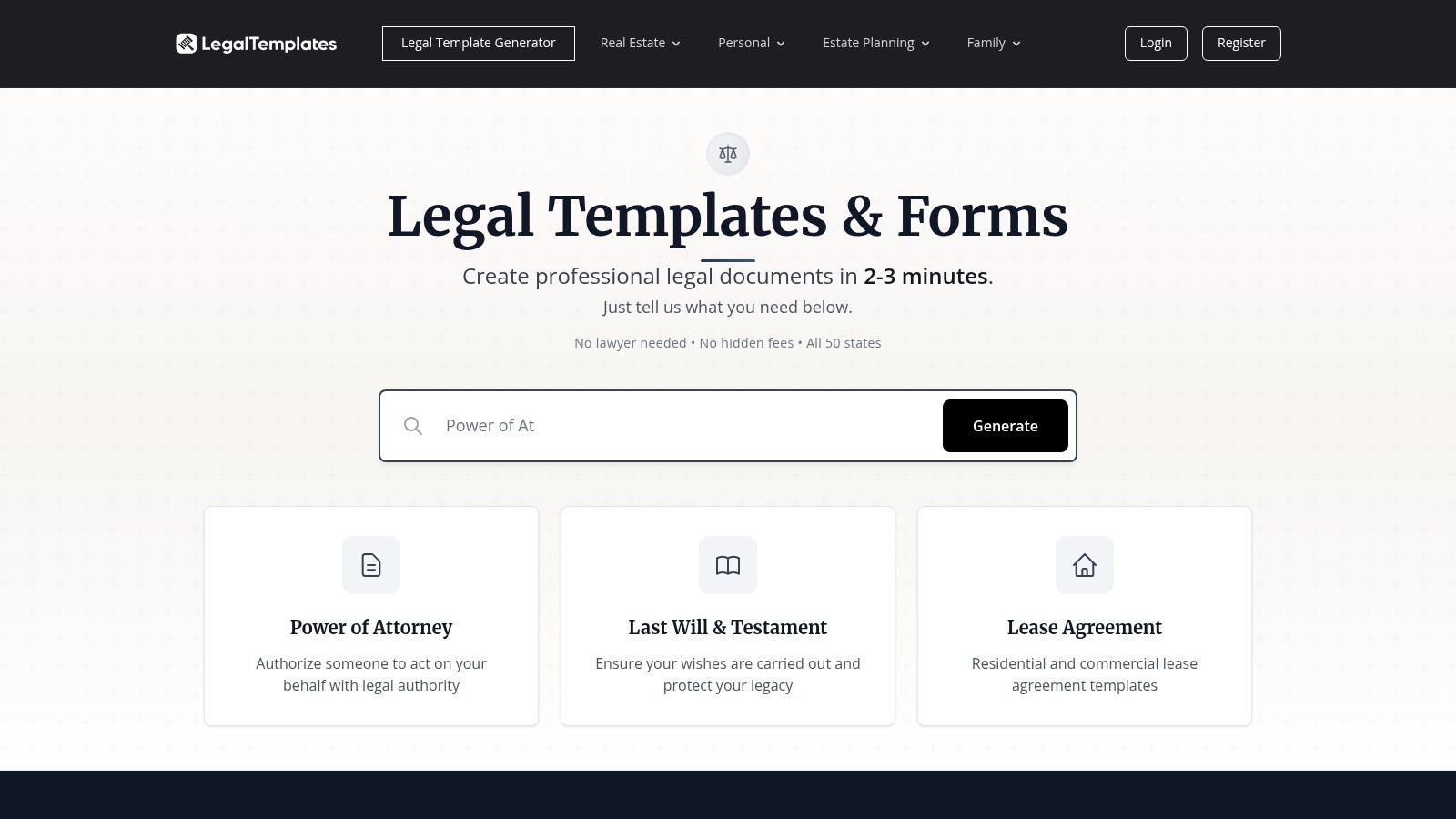
The platform is organized clearly by category, such as real estate, business, and personal affairs, with state-specific variants readily available for most documents. This direct approach simplifies the process of finding and customizing a template. While it lacks the integrated attorney support of some competitors, its strength lies in its flexible access model, which includes single-document purchases alongside monthly or annual subscriptions. This makes it a cost-effective choice for one-off needs or for those who require a variety of documents over time. The clear organization of templates for legal documents helps users quickly locate the precise form they need.
Key Features and Considerations
- Flexible Formats: Documents are available for download in both Word and PDF, allowing for easy offline editing and customization.
- Varied Access Models: Users can opt for a single-document purchase or subscribe for unlimited access, with a free trial available for the monthly subscription plan.
- State-Specific Documents: The library includes jurisdiction-specific templates, which is crucial for ensuring legal compliance for documents like leases and wills.
- Broad Selection: The site covers a wide array of common legal needs, from bills of sale and power of attorney forms to more complex business contracts and divorce paperwork.
Website: https://legaltemplates.com
Top 12 Free Legal Template Providers — Comparison
| Product | Core features/Characteristics ✨ | UX / Quality ★ | Value & Pricing 💰 | Target audience 👥 | Unique selling points 🏆 |
|---|---|---|---|---|---|
| Rocket Lawyer | Guided Q&A; state‑aware docs; e‑sign; AI Copilot; on‑demand attorney consults | ★★★★ Polished, guided workflows | 💰 Membership model; trial requires card | 👥 Consumers & SMBs wanting attorney access | 🏆 Attorney network + integrated e‑sign & AI |
| LawDepot | Large template library; state questionnaires; Word/PDF export | ★★★ Straightforward DIY flow | 💰 Per‑doc or subscription; trial period | 👥 DIY individuals & small businesses | 🏆 Broad template coverage, flexible buy options |
| eForms | State‑by‑state templates; frequent updates; multi‑format exports | ★★★ Practical, output-focused | 💰 Subscription after trial | 👥 Individuals, landlords & small businesses | 🏆 Frequently updated, practical everyday forms |
| US Legal Forms | 85k+ forms by state/category; doc management & e‑sign (premium) | ★★★ Catalog-driven, comprehensive | 💰 Value annual tiers; premium paid features | 👥 Firms & frequent form users | 🏆 Scale + compliance emphasis |
| LegalZoom (Forms & eSign) | Business templates; editor with branding; integrated e‑sign | ★★★★ Recognizable, clear packaging | 💰 Competitive annual “Unlimited” forms & eSign | 👥 Solo practitioners & small orgs | 🏆 Trusted brand + integrated e‑sign workflow |
| FormSwift | Legal & tax templates; PDF editor; e‑sign | ★★★ Fast creation & editing | 💰 Pricing surfaced at signup; variable | 👥 Users needing legal + tax forms | 🏆 PDF editing + tax forms library |
| PandaDoc (Free Library) | Free business templates; optional editor & e‑sign workflows | ★★★★ Smooth templates + workflow upgrade path | 💰 Many free templates; paid for full workflows | 👥 Business/commercial teams | 🏆 Free access + path to contract automation |
| Jotform (Legal & e‑sign) | Drag‑drop form builder; signer roles; approval flows | ★★★★ Great for intake & automation | 💰 Generous free tier; paid for scale | 👥 Intake/consent workflows, orgs | 🏆 Form builder + e‑sign on free tier |
| LawHelp.org / LHI | Free guided interviews; multilingual; court‑oriented forms | ★★★★ Authoritative, court‑ready where available | 💰 Free in many states | 👥 Low‑income & self‑represented litigants | 🏆 Jurisdiction‑specific, free court‑approved forms |
| U.S. Courts (Federal Forms) | Official federal court forms; links to local districts | ★★★ Official but not guided | 💰 Free | 👥 Federal litigators & courts | 🏆 Primary official source for federal filings |
| California Courts Self‑Help | CA Judicial Council forms; mandatory usage flags; translations | ★★★ Court‑approved, sometimes dense navigation | 💰 Free | 👥 California litigants & attorneys | 🏆 Official CA court forms with multilingual support |
| LegalTemplates.com | Word/PDF templates; state variants; single‑doc or subscription | ★★★ Broad, user‑friendly library | 💰 Single purchase or subscription; trial available | 👥 Consumers & small businesses | 🏆 Flexible purchase models + organized library |
From Free Templates to Firm Intelligence: Building Your Advantage
Navigating the landscape of legal document templates free online reveals a powerful, yet complex, set of resources. We have explored a wide spectrum of options, from the user-friendly interfaces of LawDepot and Rocket Lawyer to the essential, non-negotiable forms provided by U.S. Courts and state-level sites like the California Courts Self-Help portal. Each source offers distinct advantages, whether it's the sheer volume of business-centric documents on eForms or the specialized, pro bono-focused materials available through LawHelp.org.
The fundamental insight from this comprehensive review is clear: a free template is a foundation, not a finished legal instrument. Its value is not in the download itself but in how it is strategically implemented. The most significant risk lies in treating these templates as a simple "fill-in-the-blank" solution without applying the necessary professional scrutiny.
Key Takeaways for Strategic Implementation
To truly leverage these assets while mitigating risk, remember these critical principles:
- Verification is Non-Negotiable: Always verify that a template is current and compliant with the specific jurisdiction governing your matter. Laws evolve, and an outdated document can create more problems than it solves.
- Customization is Essential: No template can perfectly capture the unique facts and nuances of a client's situation or a business transaction. Diligent, fact-specific customization is where a legal professional’s expertise adds indispensable value.
- Context Determines the Right Source: The best source depends entirely on the task. For a federal court filing, the official U.S. Courts website is the only reliable option. For a simple NDA or bill of sale, a reputable commercial provider may offer a more practical starting point.
- Security Cannot Be an Afterthought: Once downloaded and customized, these documents contain sensitive information. Managing them securely, with controlled access and reliable version history, is paramount to protecting client confidentiality and firm integrity.
Moving from Ad Hoc Downloads to a Systemized Workflow
For solo practitioners, small firms, and in-house legal teams, the ultimate goal is to move beyond one-off searches for free legal document templates. The real competitive advantage is built by creating a centralized, intelligent system for managing these foundational documents. This involves identifying the best base templates, refining them with your own expert clauses, and storing them in an accessible, secure repository.
Beyond creating documents with templates, efficient management of these legal records is crucial for any firm looking to build an advantage. Once a document is finalized, its lifecycle is just beginning; it needs to be stored, retrieved, and managed effectively. For firms evaluating how to structure this critical function, exploring the best document management software provides a framework for building a robust and scalable system. This is the bridge from simple document creation to sophisticated firm intelligence.
By adopting a disciplined approach-vetting sources, customizing diligently, and integrating templates into a managed workflow-you transform a free resource into a strategic asset. This process not only accelerates drafting and reduces administrative overhead but also reinforces a standard of quality and consistency across all your work product, ultimately building a more resilient and efficient practice.
Ready to elevate your document strategy from scattered templates to a centralized, intelligent system? Whisperit provides the secure workspace to manage your best documents, enforce firm-wide styles, and leverage AI to draft faster and more accurately. Transform your templates into a powerful, proprietary knowledge base by visiting Whisperit to learn more.