
12 Best AI Tools for Lawyers to Use in 2025
Artificial intelligence is no longer a futuristic concept; it's a practical necessity reshaping the legal landscape. From automating tedious research and document review to streamlining client communication and case management, AI tools for lawyers are unlocking unprecedented levels of efficiency and strategic advantage. The question is no longer if your firm should adopt AI, but which tools will deliver the highest return on investment.
This guide cuts through the noise, offering a curated list of the top platforms designed to meet the specific, high-stakes demands of modern legal practice. We focus on practical applications, security considerations, and real-world ROI. Beyond managing internal documents, AI can also significantly enhance investigative processes. For instance, sophisticated tools are now central to AI-driven social media investigations for legal cases, helping teams gather crucial intelligence for case preparation far more efficiently than manual methods.
Our goal is to help you find the best platforms for your specific needs, whether you're a solo practitioner or part of a global firm. We've structured this comprehensive resource to be easily scannable, grouping tools by their primary function:
- Legal Research & Analytics
- Document Drafting & Review
- E-Discovery & Case Management
- Transcription & Automation
Each entry includes a direct link to the tool, a concise description of its core function, key features, pricing models, and ideal use cases. We provide a clear, actionable framework to help you evaluate and implement the right AI solution to elevate your practice, reduce administrative burdens, and focus on what matters most: delivering exceptional legal counsel.
1. Whisperit
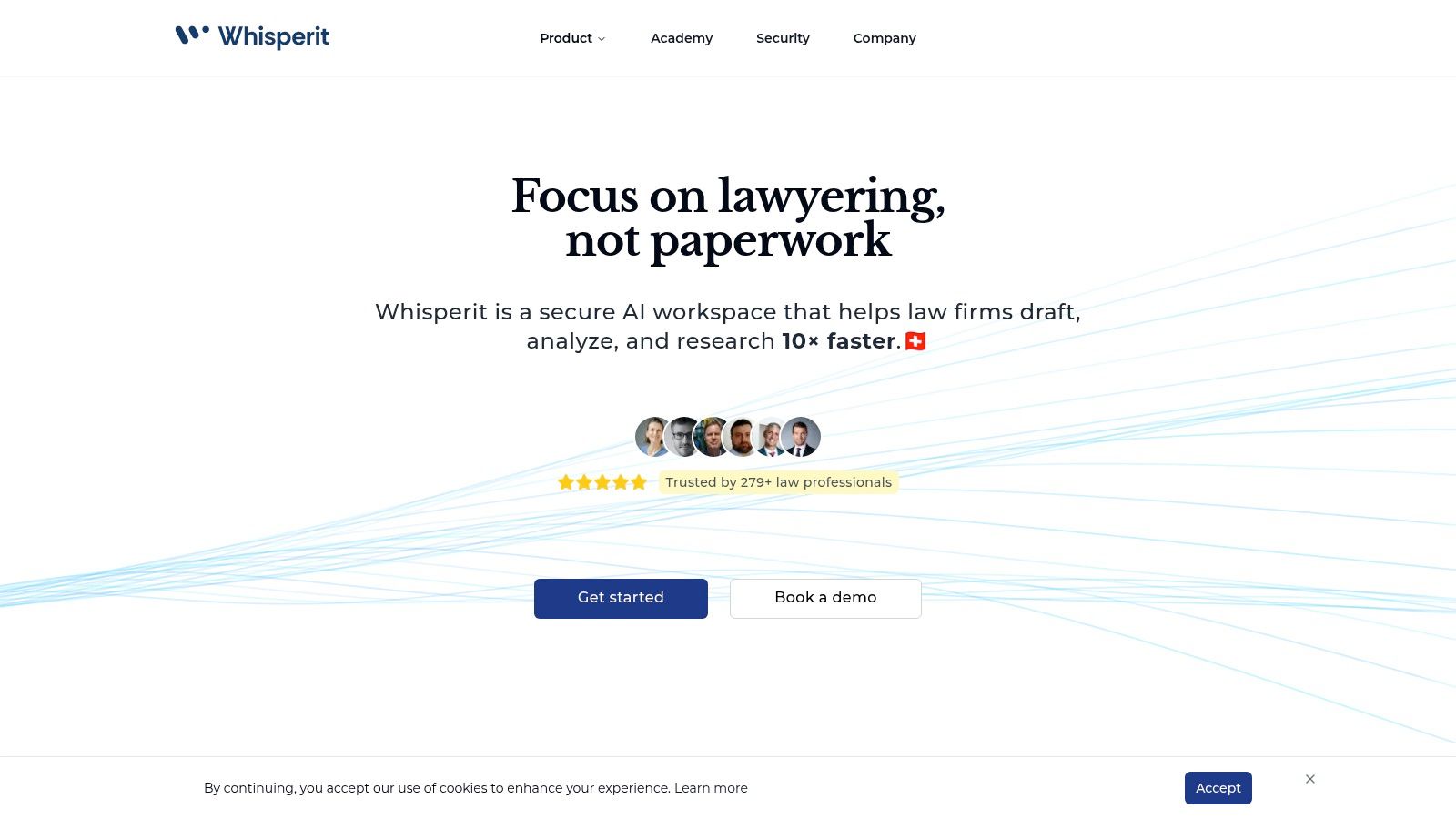
Whisperit stands out as a premier choice among AI tools for lawyers, offering a comprehensive, voice-first workspace engineered to dramatically accelerate legal workflows. It moves beyond single-purpose tools by integrating a context-aware AI assistant, the "Navigator," with a centralized case management hub. This allows legal professionals to manage case files, access key documents, and draft complex legal documents using voice commands, collapsing the time between initial client intake and a finished work product.
The platform is designed to tackle the most time-consuming aspects of legal work. Instead of manually transcribing notes or dictation, Whisperit provides real-time transcription directly into a structured editor. This process is enhanced with Drafting Templates for outlines, Style Profiles to enforce firm-specific formatting and citation rules, and Export Layouts to produce polished final documents. The combination of these features makes it a powerful solution for firms aiming to standardize output and reclaim billable hours.
Why Whisperit is Our Top Pick
Whisperit’s strength lies in its holistic approach. It is not just a drafting tool or a transcription service; it is an end-to-end legal environment. The built-in AI, 'Ask Whisperit,' functions as an intelligent research assistant, capable of surfacing clauses, summarizing documents, and answering case-specific questions with source links. This context-aware capability significantly reduces research time.
Furthermore, its security posture is explicitly designed for the legal industry's stringent requirements. With data hosted on private GPU infrastructure in Switzerland and the EU, Whisperit provides enterprise-grade encryption and GDPR-aligned controls. This commitment to data sovereignty and security makes it a trustworthy choice for handling sensitive client information. The platform's integrated collaboration tools, including a dedicated email inbox and version control, also address common workflow challenges like version chaos and inefficient communication.
- Best For: Law firms of all sizes, particularly those handling sensitive data, who want a unified, secure platform to accelerate case analysis and document drafting. Also suitable for healthcare and compliance teams.
- Key Features: Voice-first AI workspace, context-aware Navigator, centralized case hub, structured authoring with templates and style profiles, enterprise-grade Swiss/EU hosting, and integrated collaboration tools.
- Pricing: Pricing is not publicly listed. Firms must book a demo to receive a customized quote based on their specific needs and size.
- Limitation: The lack of transparent pricing may be a hurdle for smaller firms wanting a quick cost assessment. Onboarding may also require a dedicated implementation and training period.
Visit Whisperit | Learn more about its AI transcription capabilities
2. Thomson Reuters — CoCounsel
CoCounsel is Thomson Reuters' flagship professional-grade AI legal assistant, built upon the foundation of their trusted Westlaw and Practical Law platforms. It acts as an integrated layer across these core services, designed to streamline complex legal tasks from initial research to final document preparation. For firms already invested in the Thomson Reuters ecosystem, CoCounsel offers a powerful, seamless extension of their existing workflows.
What makes CoCounsel one of the essential AI tools for lawyers is its grounding in authoritative content. Unlike general AI models, its responses are tied directly to Westlaw's editorially vetted case law and Practical Law's expert-authored practice notes, ensuring reliability and minimizing the risk of hallucinations. The platform's AI-assisted research feature provides direct links to citations, allowing for immediate verification of sources.
Key Features & Considerations
| Feature | Description | Best For |
|---|---|---|
| Grounded AI Research | AI queries are answered using Westlaw's authoritative database, providing verifiable, citable results. | Firms prioritizing accuracy and source verification in legal research. |
| Integrated Drafting | Drafts legal documents, contracts, and client communications using Practical Law's templates and content. | Transactional attorneys and litigators needing efficient document creation. |
| Document Analysis | Quickly summarizes and extracts key information from large volumes of documents uploaded by the user. | Due diligence, e-discovery review, and contract analysis. |
| Enterprise Security | Private, multi-model approach with robust data governance and security protocols. | Mid-to-large sized firms with strict security and compliance needs. |
Pros:
- Deep integration with trusted Thomson Reuters content.
- Enterprise-grade security and governance.
- Supports end-to-end legal workflows.
Cons:
- Pricing is enterprise-focused and not publicly available.
- Provides the best value for firms already licensing other Thomson Reuters products.
CoCounsel is ideal for mid-to-large law firms that need a secure, reliable AI assistant deeply embedded within their primary research and drafting tools. You can explore how it fits into the broader landscape of AI tools in our complete guide to AI for legal research.
Website: https://legal.thomsonreuters.com/en/legal/artificial-intelligence
3. LexisNexis — Lexis+ AI (Protégé)
Lexis+ AI is the direct competitor to CoCounsel, offering a powerful generative AI assistant integrated within the extensive LexisNexis ecosystem. It's engineered to perform complex legal tasks like drafting, research, and summarization, drawing its answers from a massive repository of primary and secondary legal sources. The platform is designed for attorneys who rely on the LexisNexis suite, providing a familiar interface that accelerates adoption and enhances existing research and drafting workflows.
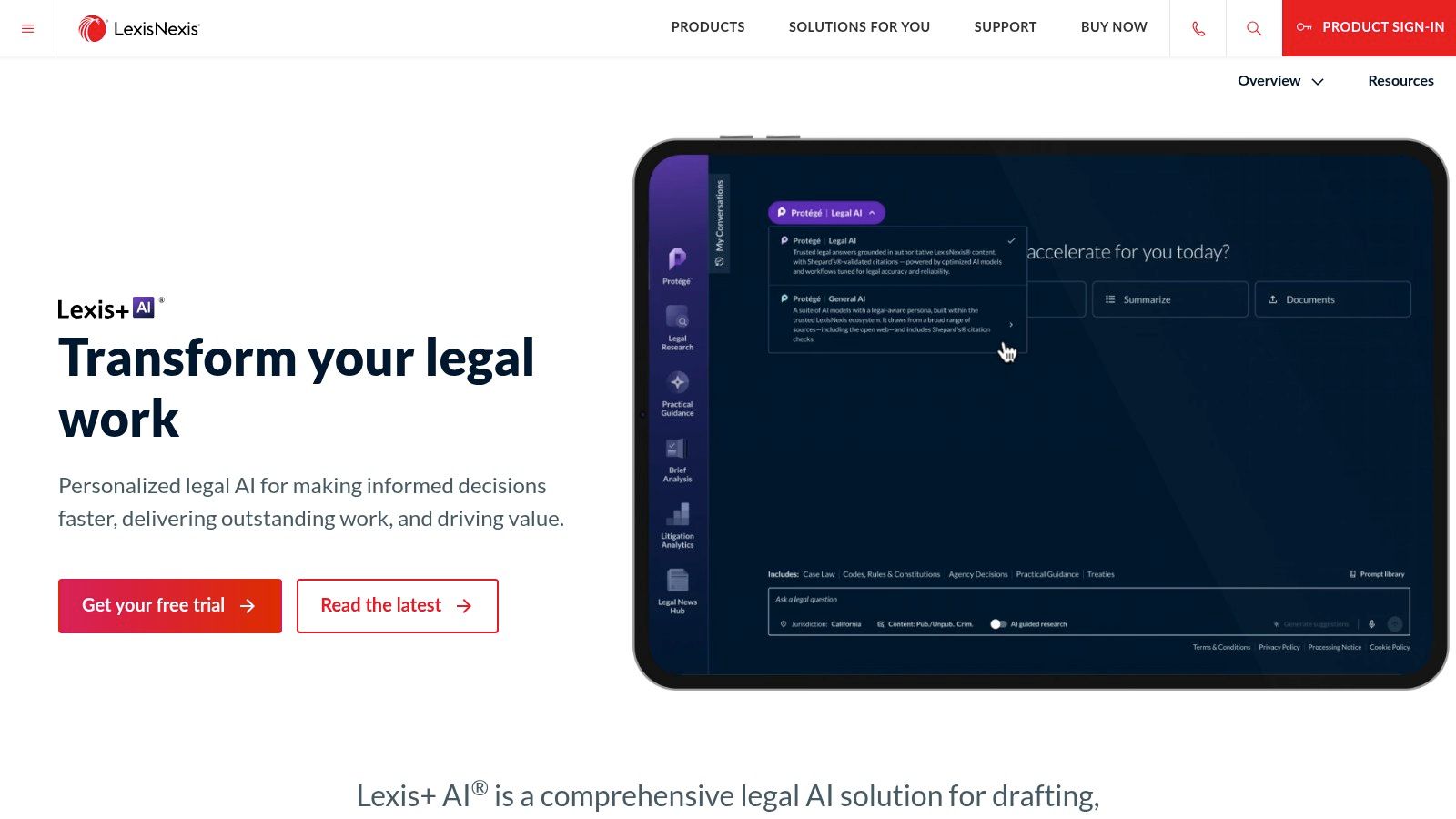
What distinguishes Lexis+ AI among the top AI tools for lawyers is its direct and transparent integration with Shepard’s, the legal industry's gold standard for citation validation. This feature ensures every AI-generated citation can be instantly verified for its authority and history, significantly mitigating the risk of including invalid or overturned case law. This commitment to verifiable accuracy provides a crucial layer of trust for legal professionals.
Key Features & Considerations
| Feature | Description | Best For |
|---|---|---|
| Shepard’s Integration | AI-generated citations are linked directly to Shepard’s for immediate validation and authority checking. | Litigators and legal researchers who require the highest level of citation accuracy. |
| Conversational Search | Allows users to ask complex legal questions in natural language and receive summarized, citable answers. | Quick legal research, creating multi-jurisdictional surveys, and initial case exploration. |
| Secure Document Analysis | Users can upload documents for summarization, clause extraction, and analysis within a secure, private AI environment. | Contract review, deposition summary, and identifying key facts in large documents. |
| Integrated Drafting | Generates legal arguments, contract clauses, and client communications based on user prompts and LexisNexis content. | Efficiently creating first drafts of memos, motions, and other legal documents. |
Pros:
- Grounds all responses in authoritative LexisNexis content with verifiable citations.
- Familiar interface for existing Lexis+ users, leading to faster adoption.
- A free trial is available for U.S. customers to evaluate its capabilities.
Cons:
- Requires a paid LexisNexis subscription to access its full potential.
- Feature bundles and naming can change, so firms should confirm current offerings.
Lexis+ AI is best suited for firms of all sizes already invested in the LexisNexis platform that want to augment their research and drafting capabilities with secure, reliable generative AI. You can explore how it supports document creation in our guide to AI for legal documents.
Website: https://www.lexisnexis.com/en-us/products/lexis-plus-ai.page?utm_source=openai
4. vLex — Vincent AI
Vincent AI is vLex's intelligent legal research assistant, built upon one of the world's largest collections of law and regulations. Its standout feature is its extensive international database, covering over 100 countries, making it an indispensable tool for firms dealing with cross-border litigation, international business transactions, or comparative law research. It provides answer-focused outputs with direct links to primary sources, ensuring every claim is verifiable.
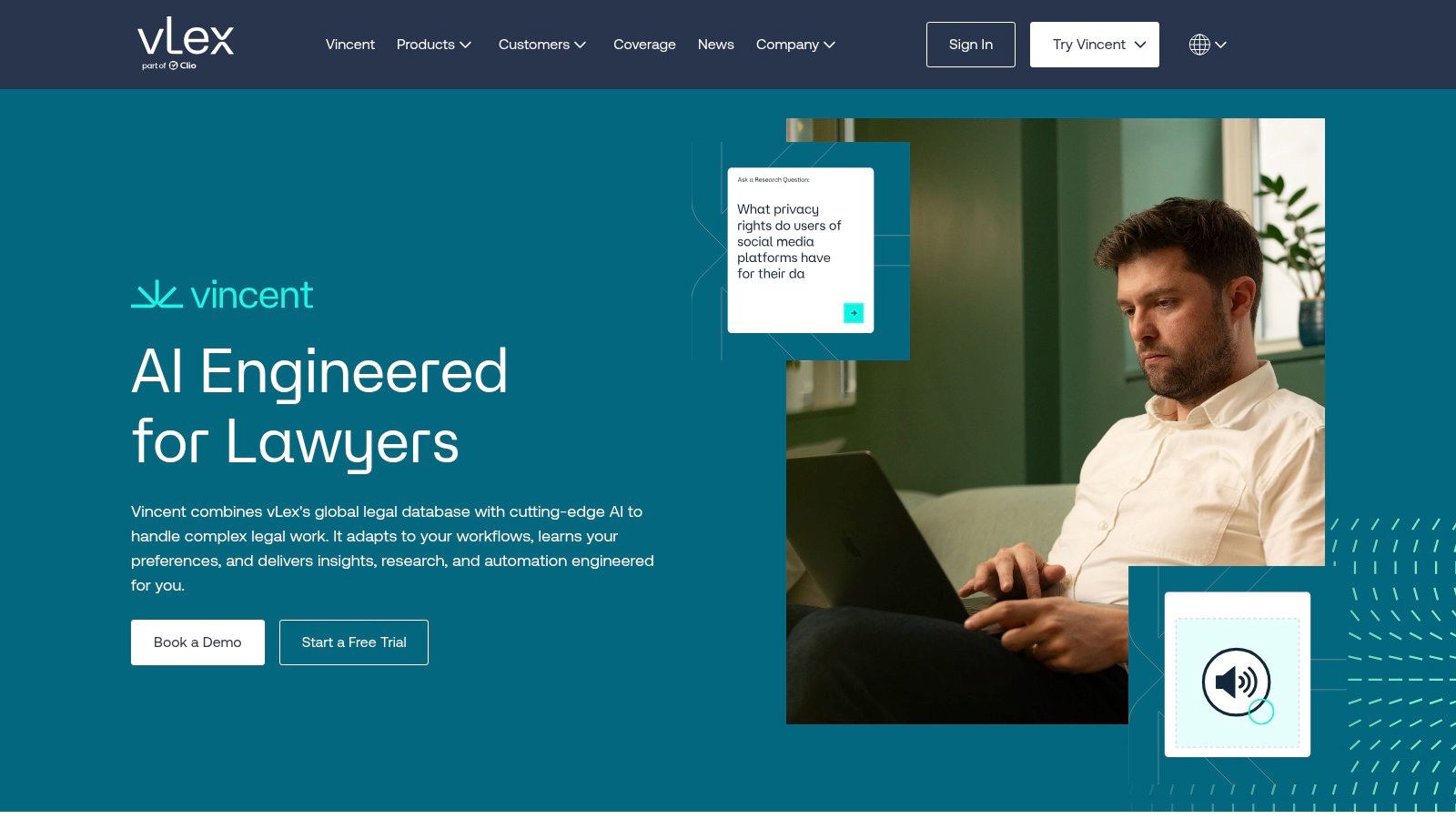
What makes Vincent AI a unique entry among AI tools for lawyers is its combination of global reach and user-friendly design. It offers over 20 pre-built, guided workflows that help attorneys quickly perform complex tasks like building case timelines or comparing laws across jurisdictions. This approach, combined with SOC 2 and ISO 27001 compliance and the availability of zero-retention agreements, makes it a secure and efficient choice for practices of all sizes.
Key Features & Considerations
| Feature | Description | Best For |
|---|---|---|
| Global Legal Database | AI research is powered by vLex’s comprehensive international library alongside extensive U.S. legal content. | Firms engaged in international law, multi-jurisdictional litigation, or corporate compliance. |
| Guided Workflows | Over 20 pre-built workflows for research, litigation, and transactional tasks to accelerate results. | Attorneys seeking to quickly adopt AI without a steep learning curve. |
| Verifiable Answers | Generates on-point answers with citations directly linked to primary sources within the vLex platform. | Legal professionals who require transparent and easily verifiable research. |
| Enterprise Security | SOC 2 and ISO 27001 compliant, with options for zero-retention agreements to protect client data. | Firms with stringent data privacy and security requirements. |
Pros:
- Strong international and multi-jurisdictional legal coverage.
- Transparent citations and a strong focus on source accuracy.
- Guided workflows and free trials enable rapid time-to-value.
Cons:
- Provides the most significant value when multi-jurisdictional analysis is needed.
- Some enterprise features may require implementation support.
Vincent AI is particularly well-suited for law firms whose work extends beyond U.S. borders or those requiring deep, verifiable insights across multiple legal systems. You can find out more about how it compares to other advanced legal search solutions here.
Website: https://us.vlex.com/products/vincent-ai?utm_source=openai
5. Bloomberg Law
Bloomberg Law integrates generative AI capabilities directly into its comprehensive legal intelligence platform, combining research, dockets, news, and analytics. Its core AI features, such as the AI Assistant and Answers, are designed to enhance existing research workflows rather than replace them. This makes it a strong contender among AI tools for lawyers, especially for firms that already rely on Bloomberg's robust docket analytics and authoritative market news.
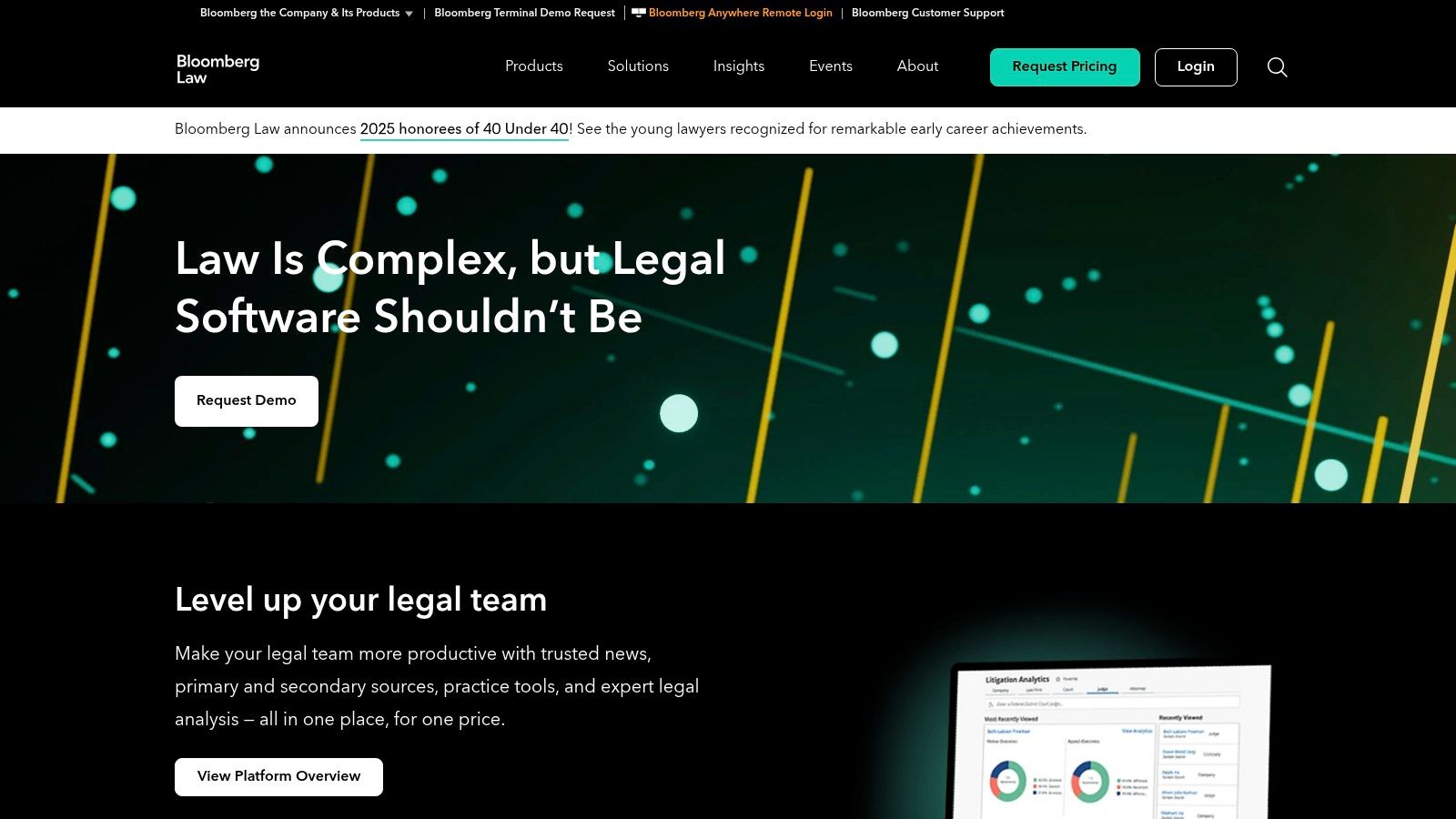
What distinguishes Bloomberg Law is that its AI features are often included at no additional charge for existing platform subscribers, providing significant value. The AI Assistant offers a chat-based interface for research and document summarization, while the Answers feature provides direct, citable responses drawn from Bloomberg Law’s proprietary content. This approach of grounding AI in a trusted, closed ecosystem helps ensure the reliability and verifiability of the output.
Key Features & Considerations
| Feature | Description | Best For |
|---|---|---|
| AI Assistant | A chat-based interface for legal research queries, document drafting, and summarization of legal texts. | Attorneys needing quick answers or initial drafts without leaving their research platform. |
| Grounded Answers | Generates direct answers to legal questions with citations linking back to Bloomberg Law's primary sources. | Legal researchers who require immediate source verification and high accuracy. |
| Docket Analytics | AI-enhanced complaint summaries and analytics tools provide insights into litigation trends and case strategy. | Litigators and corporate counsel performing competitive intelligence or case assessment. |
| Integrated News & Guidance | Combines AI research capabilities with Bloomberg's renowned legal news and practical guidance content. | Firms that value market context and real-time business intelligence in their legal work. |
Pros:
- AI features are often included in existing subscriptions.
- Strong integration with powerful docket analytics and news.
- Authoritative, citable answers grounded in proprietary content.
Cons:
- No public per-seat pricing; typically sold via enterprise contracts.
- Content library differs from Westlaw/Lexis, so firms should verify it meets their specific needs.
Bloomberg Law is an excellent choice for firms that prioritize a blend of AI-powered research with deep market intelligence and litigation analytics. You can learn more about how Bloomberg Law fits into the broader ecosystem of legal artificial intelligence software.
Website: https://pro.bloomberglaw.com
6. Harvey
Harvey is a prominent enterprise legal AI platform designed specifically for the complex needs of elite law firms and corporate legal departments. It functions as a powerful, domain-specific assistant for research, drafting, and document analysis, distinguishing itself by focusing exclusively on legal and professional services workflows. The platform is engineered to handle nuanced legal queries and produce sophisticated, context-aware outputs that go beyond generalist AI capabilities.

What solidifies Harvey’s position among top-tier AI tools for lawyers is its robust enterprise architecture and rapid development cycle. Its use of secure Vault workspaces allows teams to work on sensitive matters with confidence, while its research function provides citation-aware results across legal, tax, and regulatory databases. The platform's multi-model approach ensures it leverages the best technology for any given task, from drafting a memo to analyzing thousands of contracts for a due diligence project.
Key Features & Considerations
| Feature | Description | Best For |
|---|---|---|
| Secure Vault Workspaces | Provides secure, isolated environments for firms to work on sensitive client matters with custom access controls. | Large firms and corporate legal teams handling confidential information. |
| Citation-Aware Research | Conducts research across legal, regulatory, and tax sources, providing verifiable citations with its answers. | Litigators and regulatory attorneys needing accurate, source-backed research. |
| Workflow Agents | Deploys AI agents tailored to specific legal tasks like contract review, due diligence, and compliance checks. | Streamlining repetitive, high-volume tasks in transactional and compliance practices. |
| Enterprise Integrations | Offers deployment support and integrations with existing firm systems for seamless workflow adoption. | Firms seeking to embed AI deeply into their established technology stack. |
Pros:
- Built specifically for legal and adjacent professional services.
- Strong enterprise posture around security and deployment.
- Rapid product development and integrations with firm workflows.
Cons:
- No public pricing; access is typically through enterprise contracts.
- Content access may depend on separate data licenses or integrations.
Harvey is best suited for Am Law 100 firms and large corporate legal departments that require a highly secure, customizable, and powerful AI solution tailored to sophisticated legal work.
Website: https://www.harvey.ai/
7. Spellbook (by Rally)
Spellbook is a specialized AI contract drafting and review tool that operates directly within Microsoft Word. Developed by Rally, it is designed to assist transactional lawyers and in-house counsel by embedding powerful AI features into their most familiar work environment. Rather than requiring users to switch between applications, Spellbook enhances the existing contract workflow with intelligent suggestions, risk analysis, and drafting assistance.
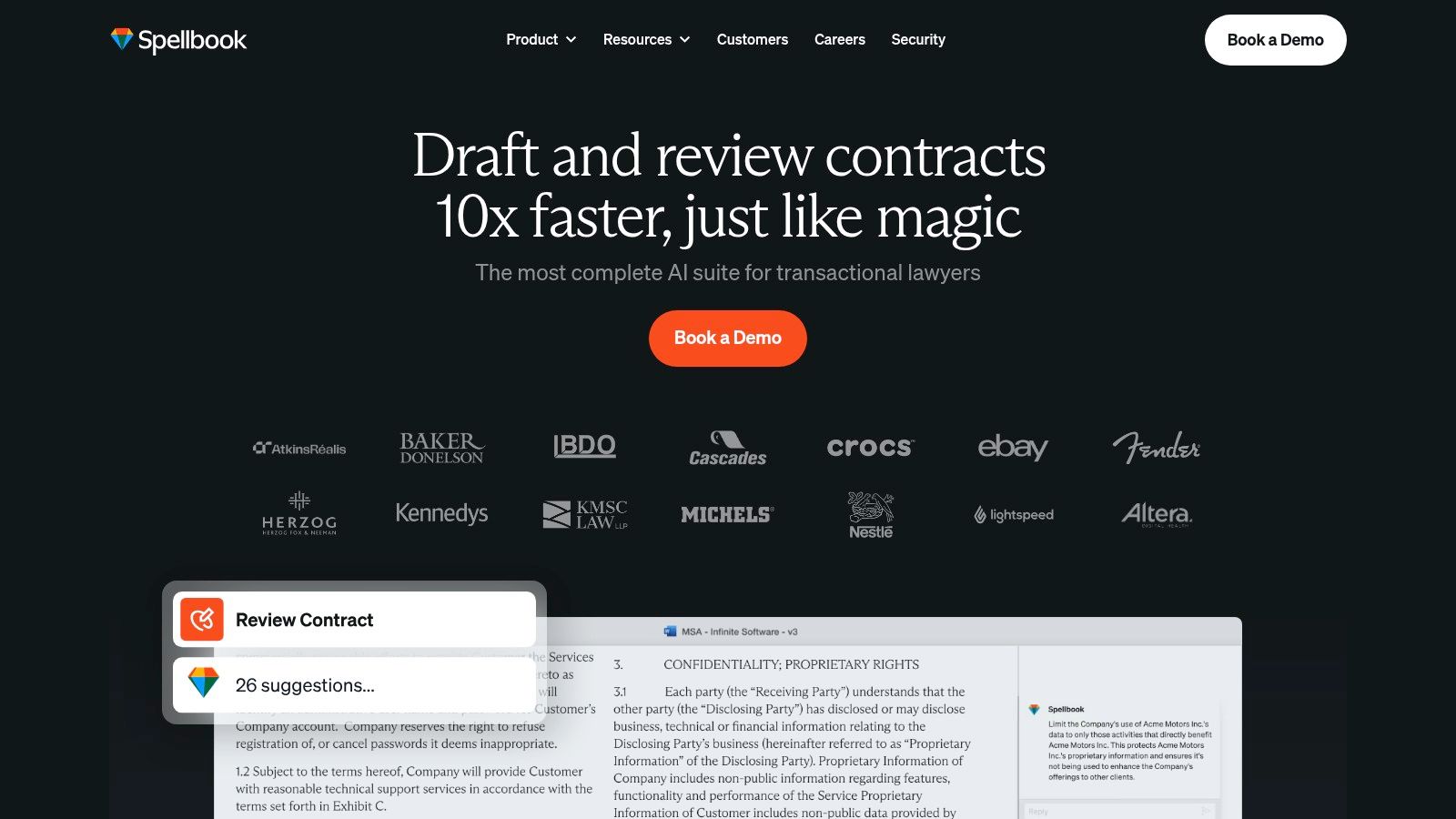
What makes Spellbook one of the most practical AI tools for lawyers is its native integration and focus on transactional efficiency. The platform can review contracts for aggressive or unusual terms, suggest alternative clauses, and even benchmark language against market standards. Its "Associate" agent can manage complex, multi-document tasks, making it a powerful assistant for intricate deals without ever leaving Word.
Key Features & Considerations
| Feature | Description | Best For |
|---|---|---|
| Microsoft Word Add-in | Provides AI-powered review, drafting, and redlining tools natively within MS Word. | Transactional attorneys and in-house teams seeking workflow continuity. |
| Risk Spotting & Benchmarks | Automatically identifies missing clauses, high-risk language, and compares terms to market data. | Contract negotiation, due diligence, and risk mitigation. |
| "Associate" Agent | An AI agent capable of handling multi-document tasks and complex instructions for large transactions. | Corporate lawyers managing mergers, acquisitions, and large-scale contract reviews. |
| Security & Compliance | Offers SOC 2 Type II compliance and zero data retention options for enhanced client data protection. | Firms with stringent security requirements and data privacy obligations. |
Pros:
- Fast to pilot with a 7-day free trial and Word-native workflow.
- Strong focus on contracting use cases for transactional teams.
- Growing integrations including Practical Law content.
Cons:
- Primarily designed for contracts-not a general legal research tool.
- Advanced features may require training to maximize ROI.
Spellbook is an excellent choice for transactional practices and in-house legal departments that want to accelerate contract review and drafting directly within their existing software.
Website: https://www.spellbook.legal/
8. Ironclad (AI Assist and Jurist)
Ironclad is a leader in contract lifecycle management (CLM) that has powerfully integrated AI to automate and accelerate legal workflows, particularly for in-house legal and operations teams. Its suite includes AI Assist, which automates contract redlining against pre-approved company playbooks, and Jurist, a native AI legal assistant directly within your documents for drafting, summarizing, and researching based on your own precedent library.
What makes Ironclad one of the most practical AI tools for lawyers in a corporate setting is its deep connection between AI capabilities and the core CLM platform. Jurist doesn't just draft in a vacuum; it connects directly to your organization's repository of approved contracts and clauses. This ensures that AI-generated content is not only fast but also consistent with your company's established legal positions and risk tolerance, bringing a new level of governance to AI-assisted work.
Key Features & Considerations
| Feature | Description | Best For |
|---|---|---|
| Playbook-Based AI Redlining | AI Assist automatically reviews and redlines third-party contracts based on your defined negotiation playbook. | In-house legal teams aiming to standardize and accelerate contract review cycles. |
| Connected Precedent Research | Jurist drafts, edits, and summarizes within documents, drawing answers from your firm's own precedent library. | Legal departments wanting to leverage their institutional knowledge for AI-powered drafting. |
| Enterprise Security Controls | Features robust governance, including "do not train" provisions with its OpenAI integration to protect sensitive data. | Corporate legal departments with high security and data privacy requirements. |
| CLM Workflow Automation | Provides APIs for data ingestion and workflow automation, embedding AI into the end-to-end contracting process. | Legal operations professionals focused on efficiency and process optimization. |
Pros:
- Deeply integrates AI with a full-featured CLM platform for in-house teams.
- Strong governance and security posture for enterprise-level use.
- Expands beyond contracting into broader drafting and research tasks.
Cons:
- Pricing is quote-based and tailored for enterprise clients.
- Delivers maximum value when the entire Ironclad CLM platform is adopted.
Ironclad is best suited for mid-to-large corporate legal departments and legal ops teams seeking to embed AI-driven efficiency and compliance directly into their contract management and drafting processes.
Website: https://ironcladapp.com/product/jurist
9. Clearbrief
Clearbrief is a specialized AI-powered writing tool designed for litigators, operating directly within Microsoft Word. Its primary function is to enhance the accuracy and efficiency of legal brief preparation by seamlessly integrating fact-checking and citation. The platform helps attorneys verify every sentence in their drafts against cited sources, ensuring factual and legal assertions are impeccably supported by evidence.
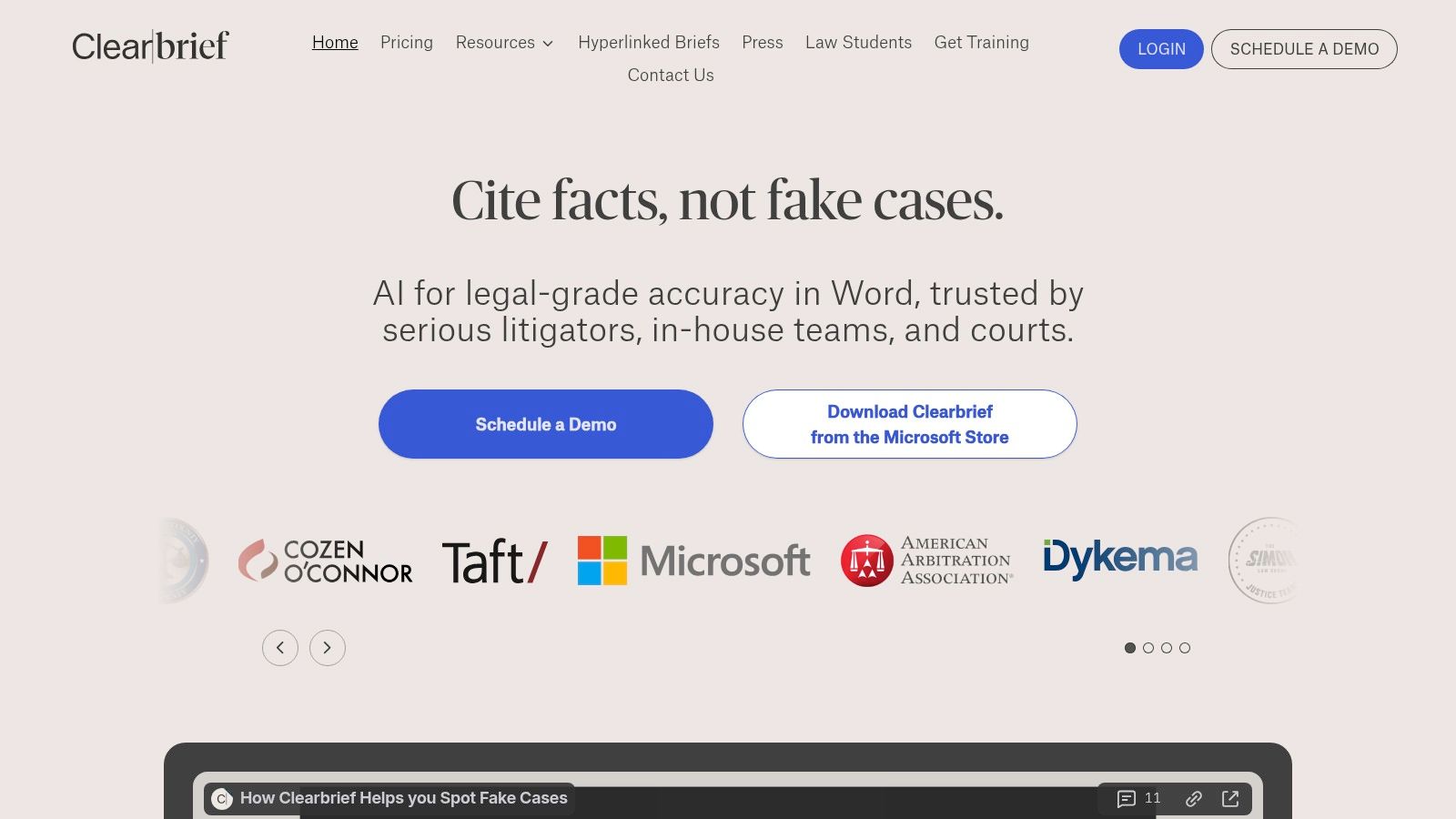
What distinguishes Clearbrief from other AI tools for lawyers is its laser focus on the litigation writing process. It doesn't aim to be a comprehensive research database; instead, it excels at ensuring the final written product is defensible and polished. By automatically generating tables of authorities, linking citations to source documents, and identifying sentences that lack evidentiary support, it directly addresses a critical and time-consuming part of a litigator's workflow.
Key Features & Considerations
| Feature | Description | Best For |
|---|---|---|
| AI-Powered Fact-Checking | Instantly validates factual statements in a brief against uploaded source documents within Word. | Litigators and appellate attorneys ensuring the accuracy of court filings. |
| Citation & Formatting Tools | Generates tables of authorities and automatically formats citations to comply with court rules. | Paralegals and attorneys looking to reduce manual formatting time. |
| Interactive Deliverables | Creates hyperlinked briefs where judges and clerks can click to view the cited evidence directly. | Firms aiming to produce tech-forward, easily reviewable court submissions. |
| Timeline Generation | Analyzes documents to automatically build a factual timeline of key events with linked sources. | Early case assessment, deposition preparation, and motion practice. |
Pros:
- Deep integration with Microsoft Word fits into existing workflows.
- Significantly reduces time spent on manual fact-checking and formatting.
- Transparent pricing is available for solo practitioners and small firms.
Cons:
- Niche focus on litigation writing; less applicable to transactional law.
- Requires users to upload their own source documents for analysis.
Clearbrief is best suited for litigation boutiques, solo practitioners, and law firm litigation departments that want to improve the speed and accuracy of preparing briefs, motions, and other court filings.
Website: https://clearbrief.com/
10. Relativity — aiR for Review (RelativityOne)
Relativity’s aiR for Review is a generative AI solution built directly into its widely used RelativityOne eDiscovery platform. It is designed to accelerate large-scale document review in litigation and investigations by helping legal teams quickly identify relevance, key issues, and privileged content. Rather than replacing human reviewers, it acts as a powerful assistant that can analyze and summarize documents based on natural-language instructions.
What makes aiR for Review one of the essential AI tools for lawyers is its focus on explainability within the eDiscovery workflow. The platform provides rationales for its determinations, allowing reviewers to understand the "why" behind an AI-suggested tag. This supports the defensibility of the review process, a critical requirement in legal proceedings. Its integration into the broader Relativity ecosystem also provides a seamless experience for firms already using the platform.
Key Features & Considerations
| Feature | Description | Best For |
|---|---|---|
| Generative AI Review | Identifies relevance, issues, and "hot" documents with explainable, AI-generated rationales. | High-volume litigation, government investigations, and internal compliance reviews. |
| Agentic AI | Follows natural-language instructions to perform complex review and analysis tasks across large document sets. | Teams needing to quickly cull data and find critical evidence without complex query syntax. |
| Platform Security | Inherits RelativityOne’s security posture, including SOC 2 Type II, ISO 27001, and FedRAMP compliance. | Firms and corporations with stringent data security and regulatory requirements. |
| Ecosystem Integration | Natively integrated with RelativityOne and its extensive App Hub for customized workflows. | Existing Relativity users and firms working with eDiscovery service providers. |
Pros:
- Strong focus on explainability and defensibility for AI-assisted review.
- Deeply integrated into a leading eDiscovery platform.
- Well-suited for complex, high-volume litigation and investigations.
Cons:
- Access typically requires RelativityOne licensing or working through a service provider.
- Pricing is often tied to data hosting volumes, making it enterprise-focused.
Relativity’s aiR for Review is ideal for law firms and corporate legal departments managing massive datasets in eDiscovery. Its value is most pronounced for organizations already embedded in the Relativity ecosystem or those partnering with eDiscovery providers who utilize the platform.
Website: https://www.relativity.com/data-solutions/air/review/?utm_source=openai
11. Everlaw — Everlaw AI Assistant
Everlaw is a cloud-native eDiscovery platform that integrates generative AI directly into the review process. Its Everlaw AI Assistant is not a standalone tool but a suite of features embedded within the core platform, designed to accelerate document review, analysis, and summary without forcing users to switch contexts. This makes it one of the most practical AI tools for lawyers engaged in litigation and investigations.
What sets Everlaw apart is its focus on augmenting existing discovery workflows rather than replacing them. Features like the Review Assistant, Coding Suggestions, and Writing Assistant help legal teams quickly grasp the substance of large document sets, identify key evidence, and draft initial summaries. The platform's conversational search feature, "Deep Dive," allows users to ask natural language questions across massive document corpora, transforming how teams interact with their evidence.
Key Features & Considerations
| Feature | Description | Best For |
|---|---|---|
| Embedded AI Assistants | AI features like Review Assistant and Writing Assistant are integrated directly into the document viewer and review workflows. | Litigation teams needing to accelerate document review and summarization. |
| Conversational Search | The "Deep Dive" feature allows for natural language queries across entire project databases to find relevant documents. | Investigators and legal teams exploring large, unfamiliar datasets. |
| FedRAMP Compliance | The platform maintains a compliance posture suitable for U.S. government agencies and matters with high-security requirements. | Government legal departments and firms handling sensitive public sector cases. |
| AI Credits Model | AI features are accessed via an add-on, pay-as-you-go credit system separate from the core platform subscription. | Firms that want predictable, usage-based pricing for advanced AI capabilities. |
Pros:
- Intuitive user interface known for fast performance on large matters.
- Clear add-on model for AI usage with a credit system.
- Growing adoption across U.S. government agencies and major law firms.
Cons:
- AI features are a paid add-on to the core subscription.
- Highly specialized for eDiscovery, not a general-purpose legal research tool.
Everlaw is best suited for litigation-focused firms and government agencies that manage document-intensive cases and require a secure, high-performance platform with tightly integrated AI assistance.
Website: https://everlaw.org/
12. G2 — AI Legal Software
Instead of being a direct tool, G2 is a peer-to-peer software marketplace that serves as an essential starting point for legal professionals evaluating their options. It aggregates user reviews, feature comparisons, and satisfaction scores for a wide range of AI legal tools, including categories like AI Legal Assistants, eDiscovery, and Contract Management. For law firms unsure where to begin their search, G2 provides a broad market overview to shortlist potential vendors before committing to demos.
What makes G2 a valuable resource among the landscape of AI tools for lawyers is its reliance on user-generated feedback. This provides unfiltered insights into real-world performance, implementation challenges, and customer support quality that vendor marketing materials might overlook. By leveraging its comparison grids and buyer guides, firms can quickly identify top-rated solutions that fit their specific size, practice area, and budget constraints, saving significant research time.
Key Features & Considerations
| Feature | Description | Best For |
|---|---|---|
| Peer Reviews & Scores | Aggregates user reviews, satisfaction ratings, and sentiment analysis for hundreds of legal tech products. | Firms wanting to gauge real-world user satisfaction and find common pain points. |
| Vendor Comparison | Side-by-side feature and pricing comparisons based on user-supplied data and vendor information. | Research teams shortlisting vendors before scheduling product demos. |
| Category Pages | Dedicated pages for AI legal assistants, eDiscovery, and contract tools to explore category leaders. | Lawyers looking for top-rated solutions in a specific software category. |
| Buyer Guides | Provides expert-written guides and reports on trends and purchasing considerations in the legal tech space. | Decision-makers needing to understand the market before making a purchase. |
Pros:
- Offers a broad market view beyond just the largest, most well-known vendors.
- Helps assess user sentiment and discover popular alternative solutions.
- Free to browse and provides direct links to vendor product pages and free trials.
Cons:
- Listings can contain vendor-supplied claims; validation with a demo is still necessary.
- Acts as a directory, not a direct provider of the software.
G2 is best for law firms in the initial discovery phase, allowing them to survey the landscape of AI tools, read peer reviews, and create a shortlist of vendors to evaluate further.
Website: https://www.g2.com/categories/ai-legal-assistant/f/legal-research
Top 12 AI Tools for Lawyers — Feature Comparison
| Product | Core features ✨ | Quality/UX ★ | Value & Pricing 💰 | Target audience 👥 | Why choose / USP 🏆 |
|---|---|---|---|---|---|
| Whisperit 🏆 | Voice‑first workspace: Navigator, Cases hub, live transcription, Templates & Style Profiles | ★★★★★ — fast, collaborative editor; strong ROI metrics | 💰 Quote-based; proven ROI (example: CHF 750k/yr for 10‑lawyers) | 👥 Law firms needing secure, voice-enabled intake→draft workflows | 🏆 Swiss/EU hosting, context-aware voice AI, structured authoring |
| Thomson Reuters — CoCounsel | Westlaw & Practical Law‑grounded research, drafting, citations | ★★★★☆ — trusted editorial UX, enterprise polish | 💰 Enterprise pricing; best value with TR subscriptions | 👥 Firms already on Westlaw/Practical Law | Linked authoritative content + integrated drafting |
| LexisNexis — Lexis+ AI (Protégé) | Shepard’s-linked citations, multi‑jurisdiction surveys, DMS integrations | ★★★★☆ — citation validation, familiar UI | 💰 Subscription tiers; free U.S. trial available | 👥 Research-heavy firms and Lexis users | Shepard’s validation & timeline visualizations |
| vLex — Vincent AI | Global primary‑source search, linked citations, prebuilt workflows | ★★★★☆ — international coverage, transparent sourcing | 💰 Trial/demos; competitive for cross‑border work | 👥 Multi‑jurisdictional & cross‑border teams | 100+ country coverage with source links |
| Bloomberg Law | AI Assistant & Answers, docket analytics, news & market intel | ★★★★☆ — strong analytics; AI often included for subs | 💰 Subscriber platform; enterprise contracts | 👥 Litigators & market/intelligence teams | Docket analytics + integrated news coverage |
| Harvey | Domain assistants, secure Vault workspaces, citation‑aware research | ★★★★☆ — enterprise posture, rapid integration | 💰 Enterprise contracts; pricing on request | 👥 AmLaw firms & corporate legal depts | Enterprise security + domain‑specific assistants |
| Spellbook (Rally) | Word add‑in: clause library, redlining, benchmarks, Associate agent | ★★★★☆ — Word‑native, quick to pilot | 💰 7‑day trial; targeted pricing for contracting teams | 👥 Transactional lawyers & in‑house counsel | Contract‑first workflows inside Word |
| Ironclad (AI Assist & Jurist) | CLM + AI redlining, Jurist for drafting/editing, APIs | ★★★★☆ — governance & CLM integration | 💰 Quote-based; best with org‑wide CLM use | 👥 Legal ops & in‑house teams | Deep CLM + AI aligned to playbooks |
| Clearbrief | One‑click citation linking, Tables of Authorities, timelines in Word | ★★★★☆ — litigation‑focused accuracy | 💰 Transparent small‑firm pricing; student access | 👥 Litigators preparing briefs | Fast, citation‑linked brief preparation |
| Relativity — aiR for Review | AI for document review, explainable rationales, agentic instructions | ★★★★☆ — defensible at scale for eDiscovery | 💰 RelativityOne licensing; volume costs apply | 👥 eDiscovery teams & large litigation matters | Explainability + large‑scale review workflows |
| Everlaw — Everlaw AI Assistant | Review Assistant, Writing Assistant, Deep Dive conversational search | ★★★★☆ — intuitive UI; fast on big datasets | 💰 Core subscription + add‑on AI credits model | 👥 eDiscovery teams, government matters | Pay‑as‑you‑go AI credits; strong discovery tools |
| G2 — AI Legal Software | Marketplace: peer reviews, feature grids, pricing ranges, comparisons | ★★★☆☆ — broad peer sentiment; vendor summaries | 💰 Free to browse; surfaces pricing ranges from users | 👥 Buyers shortlisting legal AI vendors | Market view, peer reviews & side‑by‑side comparisons |
Making Your Final Verdict: How to Choose and Implement the Right AI Tool
Navigating the landscape of AI tools for lawyers can feel like preparing for a complex trial. The evidence is vast, the precedents are still being set, and the stakes for your firm are high. We've explored a dozen powerful platforms, from comprehensive legal research assistants like CoCounsel and Vincent AI to specialized drafting and review tools like Spellbook and Clearbrief. The central takeaway is clear: artificial intelligence is no longer a futuristic concept but a present-day competitive advantage, transforming how legal services are delivered.
The key to unlocking this advantage isn't just adopting any AI; it's adopting the right AI. The most impactful implementation will be the one that addresses the most significant friction in your firm's daily operations. This journey from consideration to integration requires a strategic, methodical approach, much like building a case.
A Strategic Framework for AI Adoption
Selecting the best AI legal software is less about finding a single "best" tool and more about diagnosing your firm’s specific needs. A large firm with an established relationship with Thomson Reuters might find the seamless integration of CoCounsel to be a natural fit, while a boutique litigation practice might prioritize the fact-checking prowess of a tool like Clearbrief.
To make an informed decision, follow a structured evaluation process:
- Identify the Core Problem: Pinpoint the most significant bottleneck in your workflow. Is it the hours spent transcribing client meetings and depositions? Is it the tedious process of drafting standardized contracts? Or is it the sheer volume of documents in eDiscovery that overwhelms your team? Be specific. For instance, if your primary pain point is converting spoken legal arguments and client notes into structured, actionable documents, a voice-centric platform like Whisperit should be at the top of your list.
- Form a Pilot Team: Select a small, diverse group of tech-savvy and skeptical team members to test your shortlisted tools. This team should represent different roles within the firm (e.g., partners, associates, paralegals) to provide a holistic view of the tool's utility across various workflows.
- Define Success Metrics: Before starting a trial, determine what a "win" looks like. Is it a 20% reduction in time spent on legal research? A 50% decrease in manual transcription and drafting hours? An improvement in document accuracy? Quantifiable metrics are crucial for proving ROI and securing firm-wide buy-in.
- Prioritize Security and Compliance: This is non-negotiable. Scrutinize each vendor's security protocols, data encryption standards, and compliance certifications (like HIPAA or SOC 2). Ensure the tool aligns with your ethical obligations regarding client confidentiality and data privacy. Never sacrifice security for features.
From Pilot Program to Practice-Wide Integration
Once you’ve selected a tool, implementation becomes the next critical phase. The goal is seamless integration, not disruption. Start by integrating the tool into a single, well-defined workflow. For example, mandate its use for all initial client intake transcriptions or for the first draft of a specific contract type.
Provide comprehensive training and create clear, accessible documentation or "cheat sheets" for your team. Highlight the direct benefits to them, emphasizing how the tool eliminates tedious tasks and frees them up for more strategic, high-value legal work. The best AI tools for lawyers are not those that replace attorneys but those that augment their expertise, enabling them to operate at the top of their licenses.
Ultimately, the successful adoption of AI in your legal practice is a strategic imperative that promises not just efficiency gains but a fundamental enhancement of your firm's capabilities. By carefully assessing your needs, rigorously testing solutions, and thoughtfully managing implementation, you can confidently render a final verdict that positions your firm for a more productive and innovative future.
Ready to transform your firm’s most time-consuming tasks into your most efficient workflows? Discover how Whisperit provides a secure, voice-first workspace designed specifically for legal professionals, unifying transcription, drafting, and case management to reclaim your billable hours. See why it’s one of the most practical and secure AI tools for lawyers by exploring our platform today at Whisperit.